526 B
526 B
| layout |
|---|
| main |
Musician's Mode: Toggling On-Screen Markings
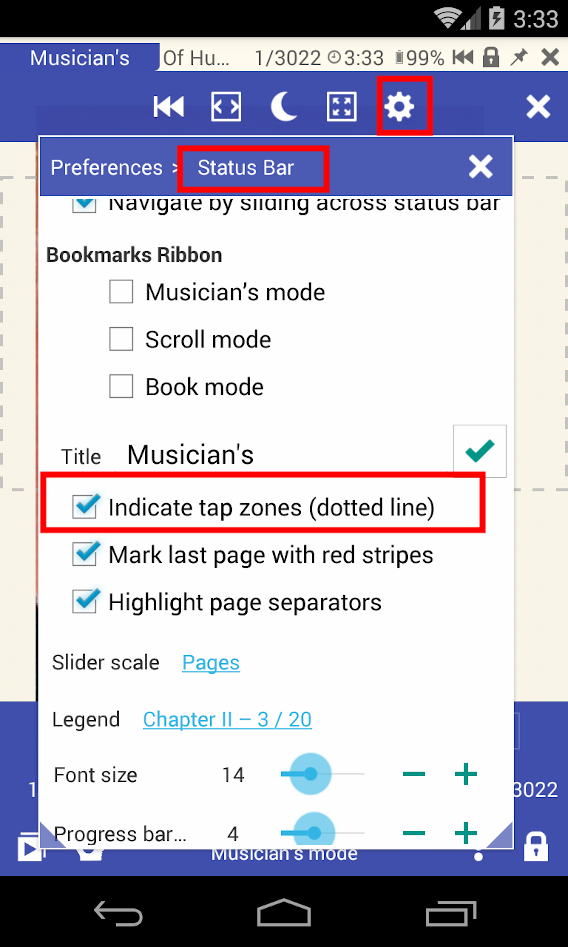
On-screen indicators in Musician's Mode are intended to help you read and navigate the scrolling page while working in this mode
The indicators show:
- the tap-zones with dotted lines
- the end of a document with red stripes
- page separators
To toggle them on/off:
- Open a document in Musician's Mode
- Tap the Settings icon
- Go to the Status Bar section (tap on it!)
- Check/uncheck the corresponding boxes