681 B
681 B
| layout |
|---|
| main |
Editing Normal and Floating Bookmarks
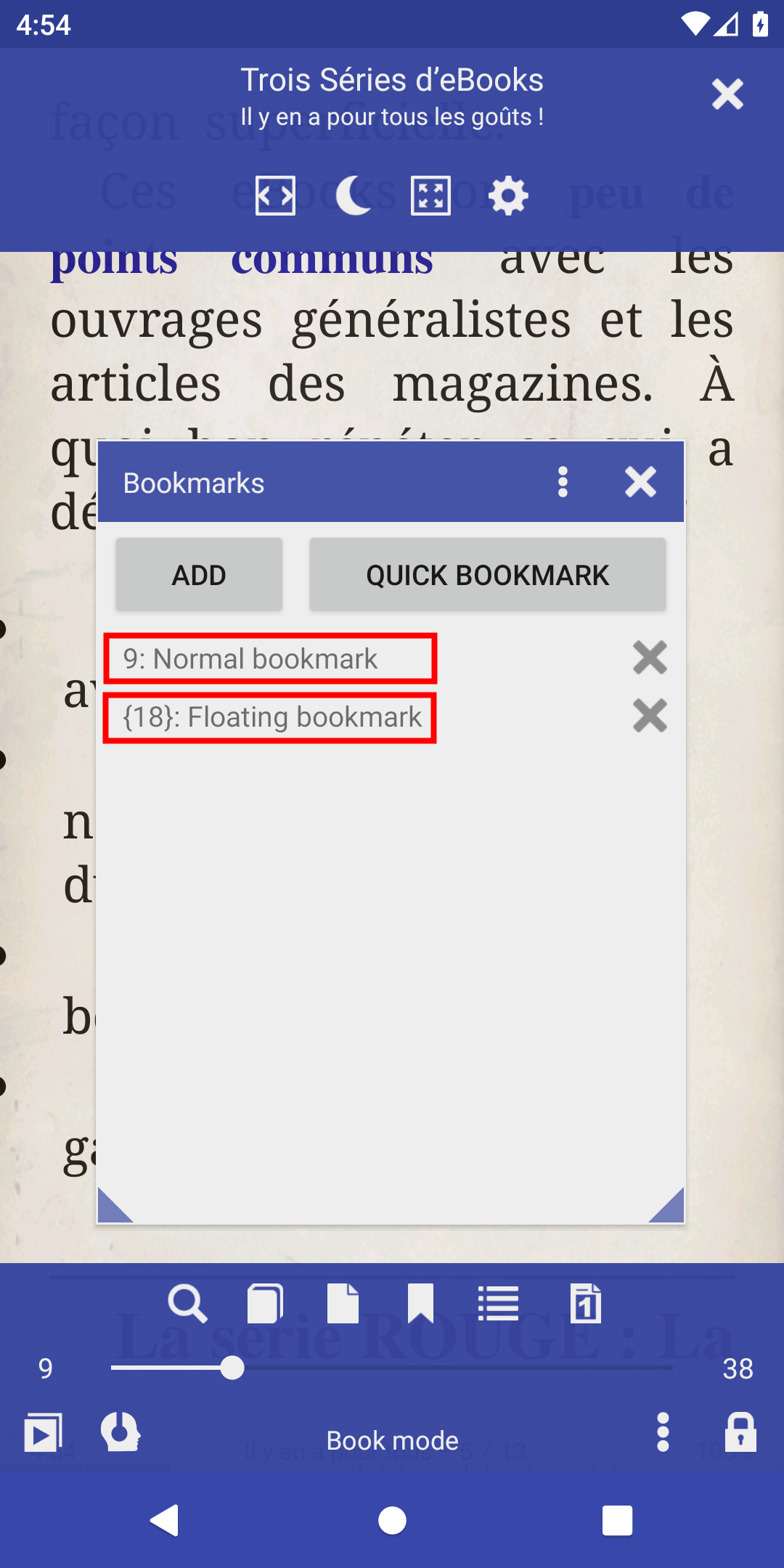
Librera supports two types of bookmarks: normal and floating. The user is allowed to change their text and page number
Normal bookmarks always refer to the same page numbers in a book
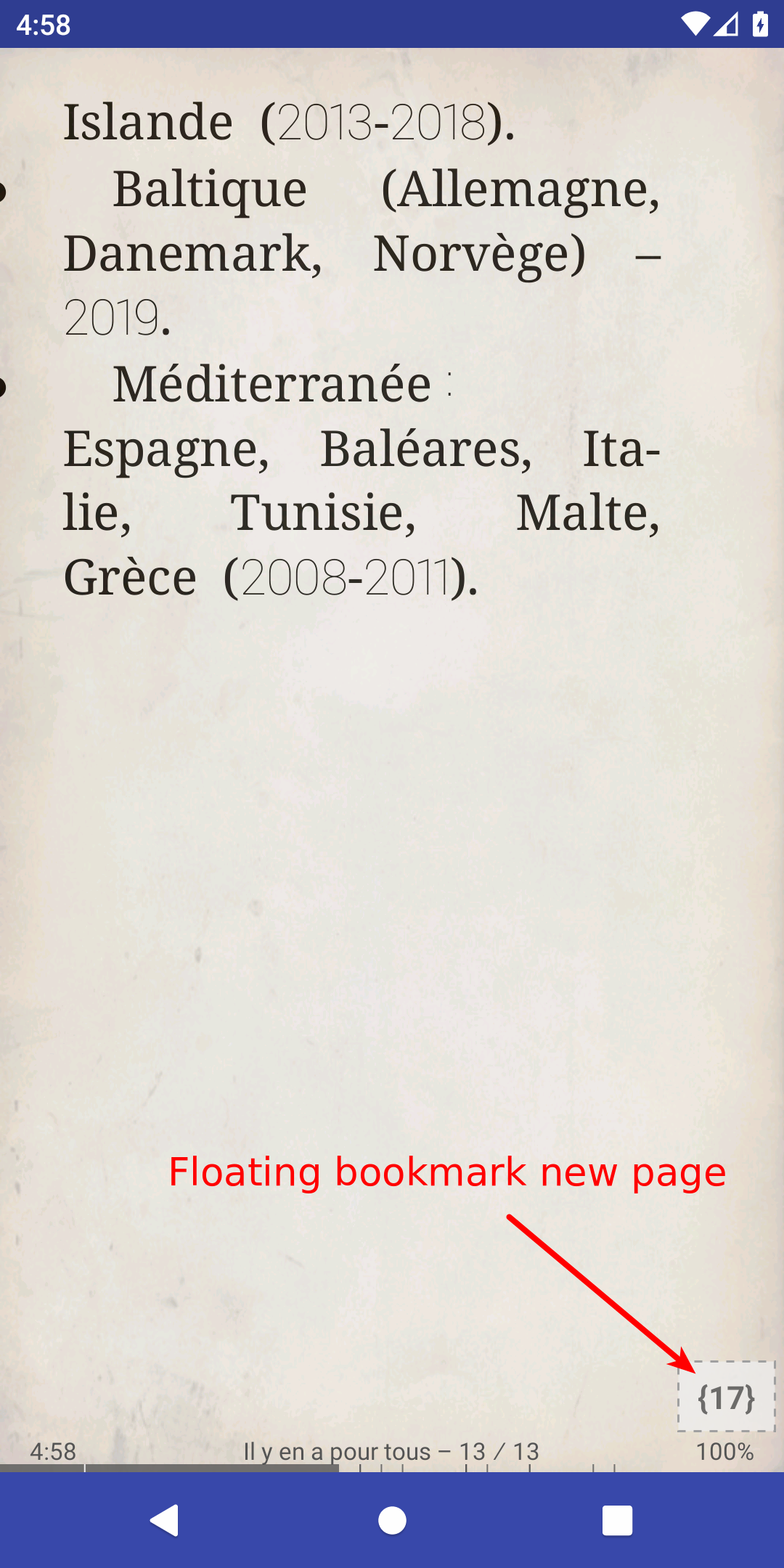
Floating bookmarks refer to dynamic pages
You can edit bookmarks, i.e., change their text and style. To enter the edit mode, just long-press on a bookmark in the Bookmarks window.
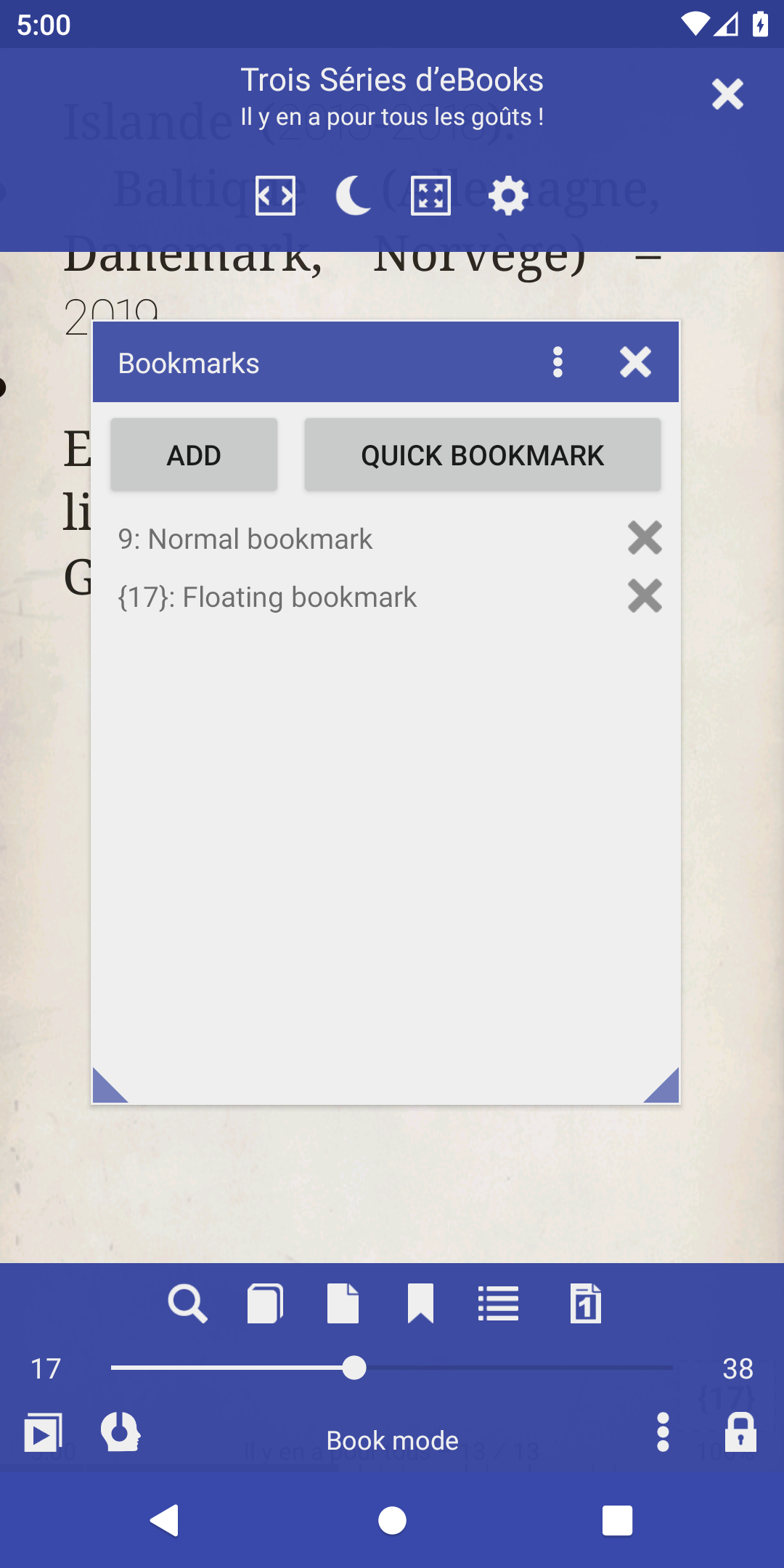
If you need to change the page number for a normal bookmark:
- convert it to a floating bookmark
- point it to a new destination
- convert it back to normal
| 1 | 2 | 3 |
|---|---|---|
 |
 |
 |