1.7 KiB
1.7 KiB
| layout |
|---|
| main |
Using Librera for Learning Foreign Languages
Librera Reader is an excellent tool for those who learn a foreign language... or just happen to read a book in another tongue.
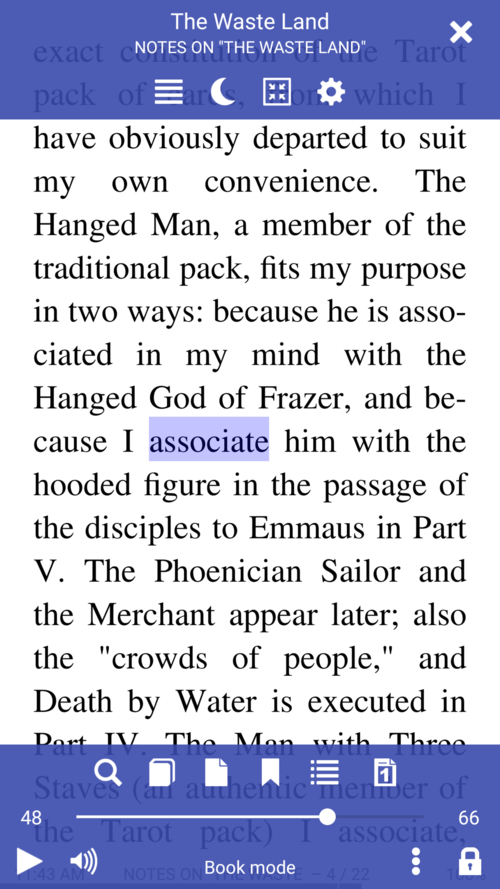
Just use your finger (any finger) to highlight/select text
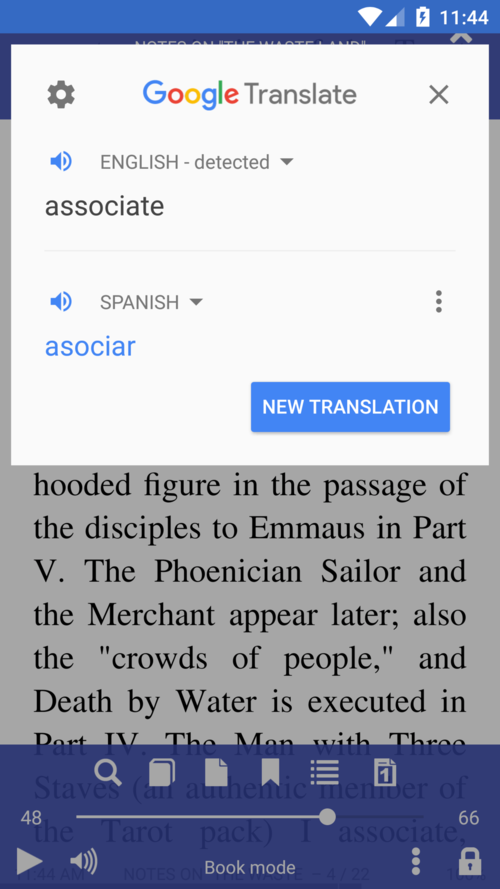
- Translate easily and promptly a selected word, passage or even page
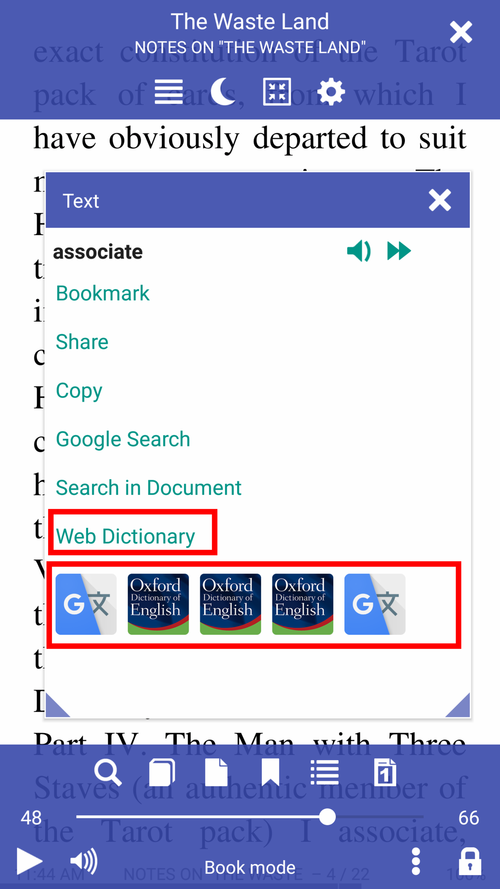
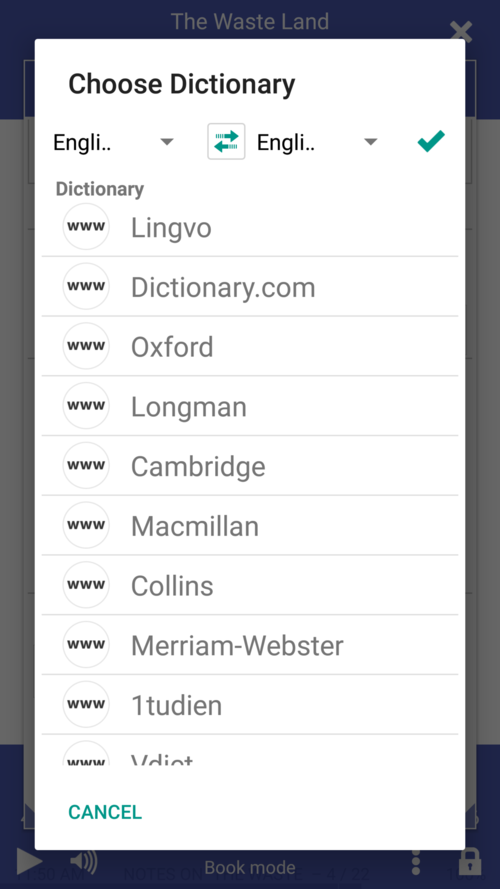
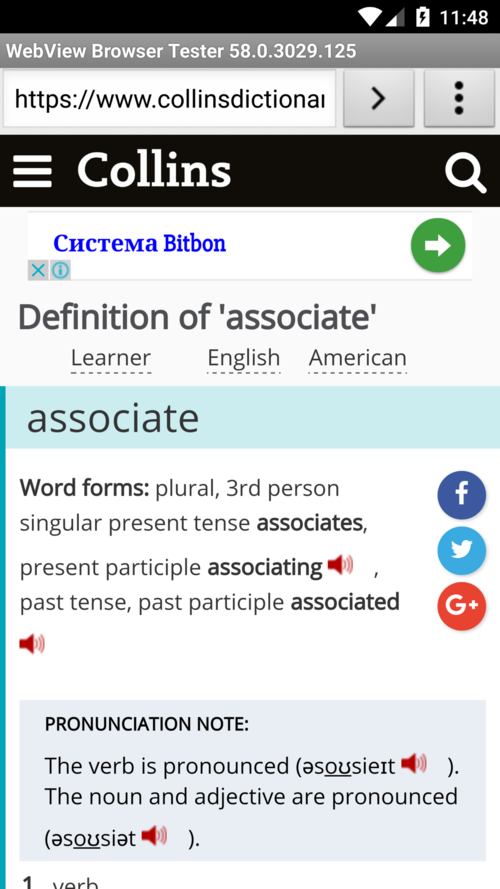
- Configure Librera to work with online and offline translators and/or dictionaries
 |
 |
 |
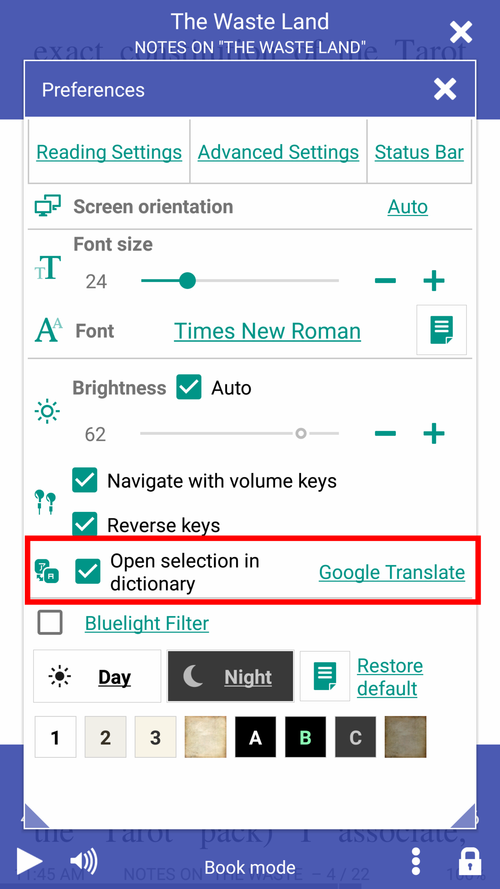
- Enable single-touch (long-press) dictionary lookup (check the box)
- This also holds for passage translations if your "dictionary-of-choice" is, say, Google Translate (make sure your Internet connection is up and running)
Note! You can configure Librera to select words on a single tap in the Advanced Settings tab (not recommended)
 |
 |
 |
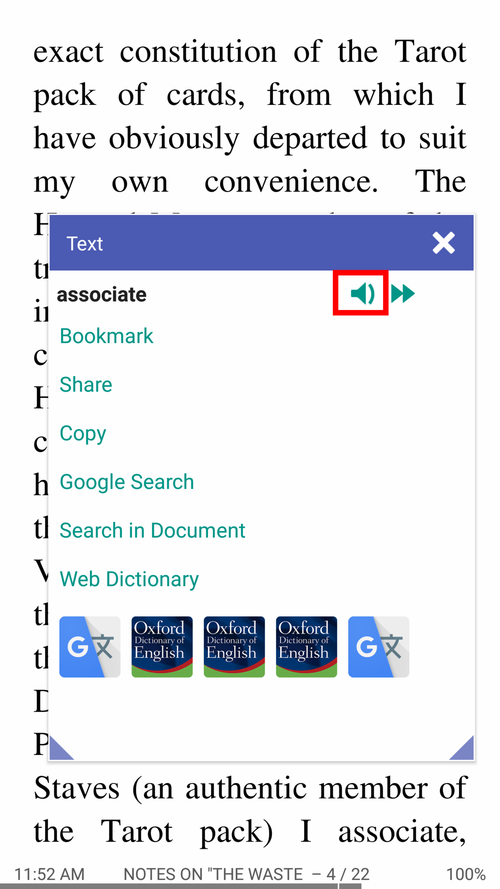
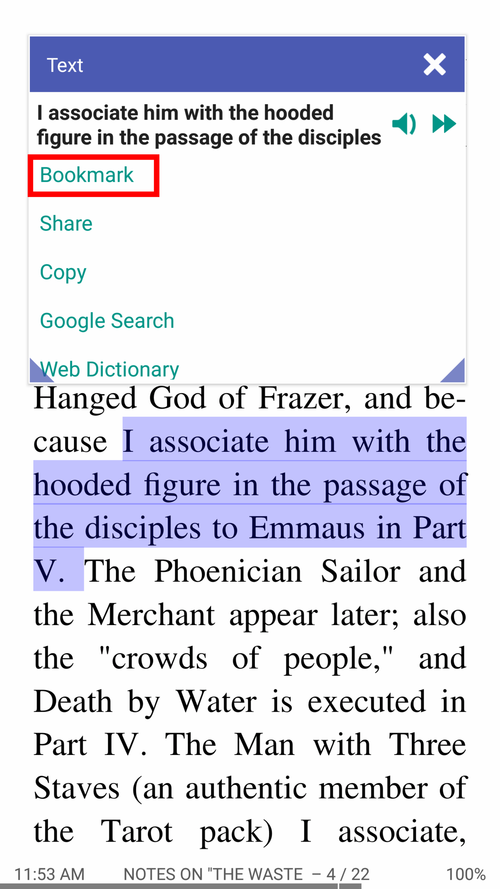
If the Open selection in dictionary is unchecked, you will be presented with multiple choices in the Text window:
- Make Librera pronounce the word for you or read your selection back to you out loud
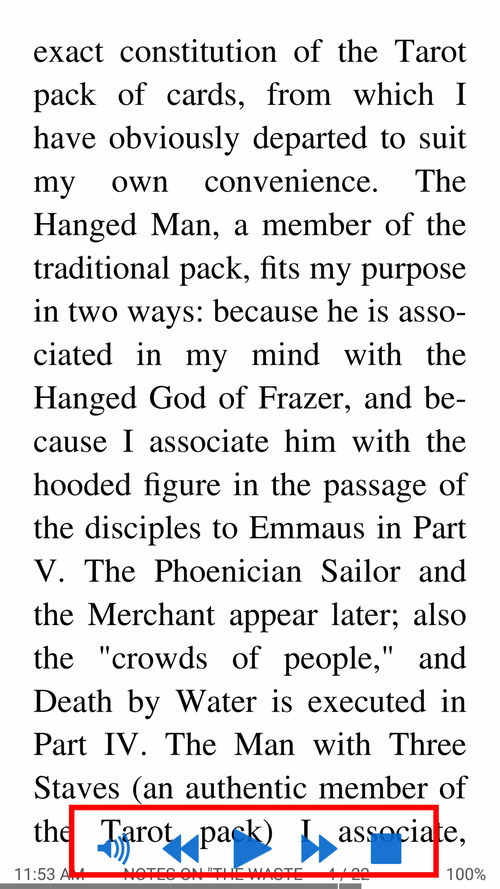
- Make it read the entire book out loud (voice-accompanied reading)
- Open the word/passage in another dictionary/translator
- Bookmark pages with meaningful word sequences
 |
 |
 |
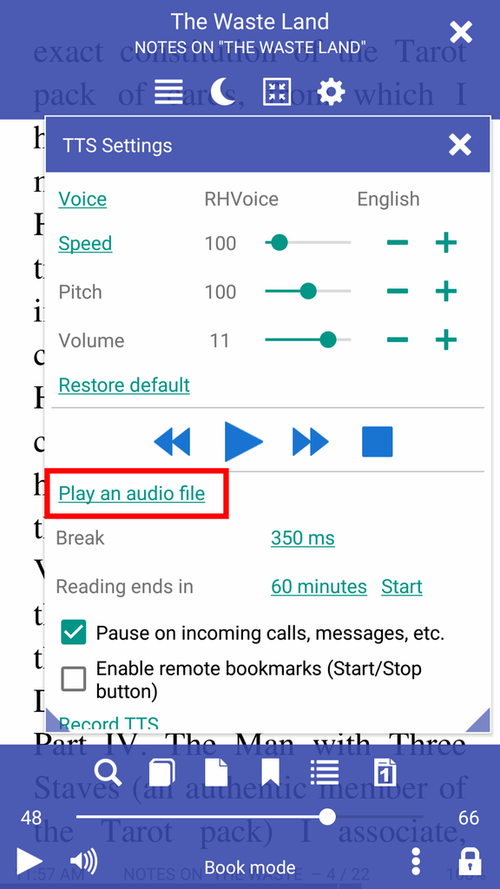
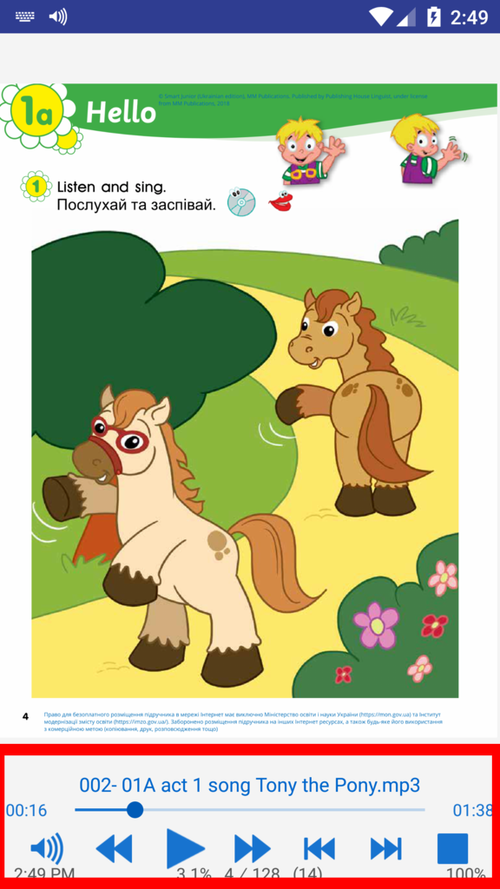
You can play external audio files with Librera. It supports all frequently used audio formats, e.g., .mp3, .mp4, .wav, .ogg, .m4a, and .flac.
- Play audio-books alongside their ebook copies (voice-accompanied reading)
- Handle the pace of your reading with the playback controls at the bottom
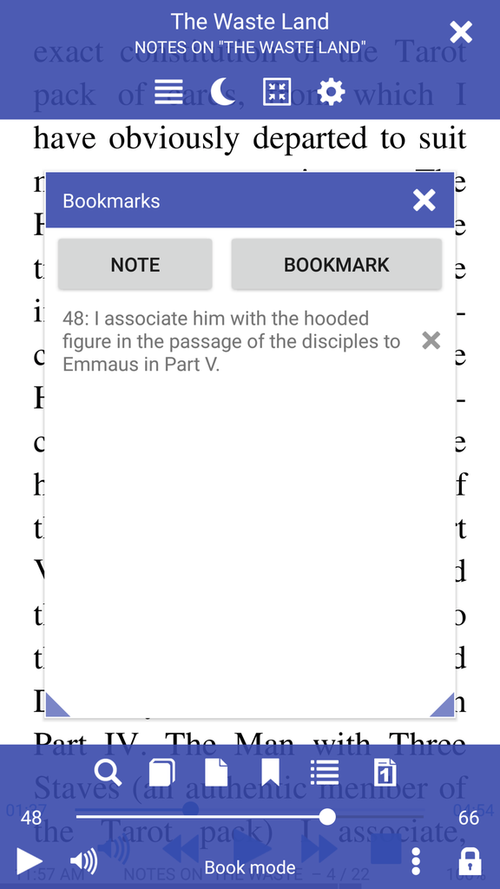
- Use the Bookmarks window to navigate the book
 |
 |
 |
A long-press on the Play/Pause button will rewind the track to the very beginning.