---
layout: main
---
# What is new
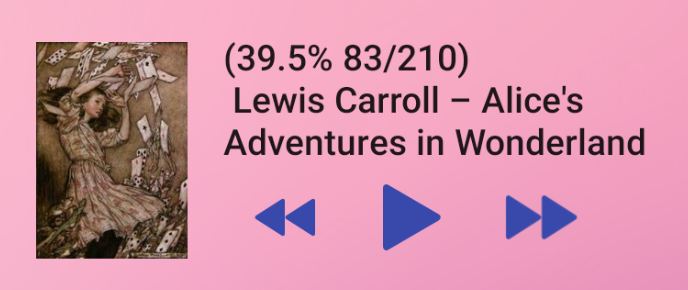
### [8.9.155] TTS desktop widget
 ### [8.9.153] Show library-excluded books in the favorite tab
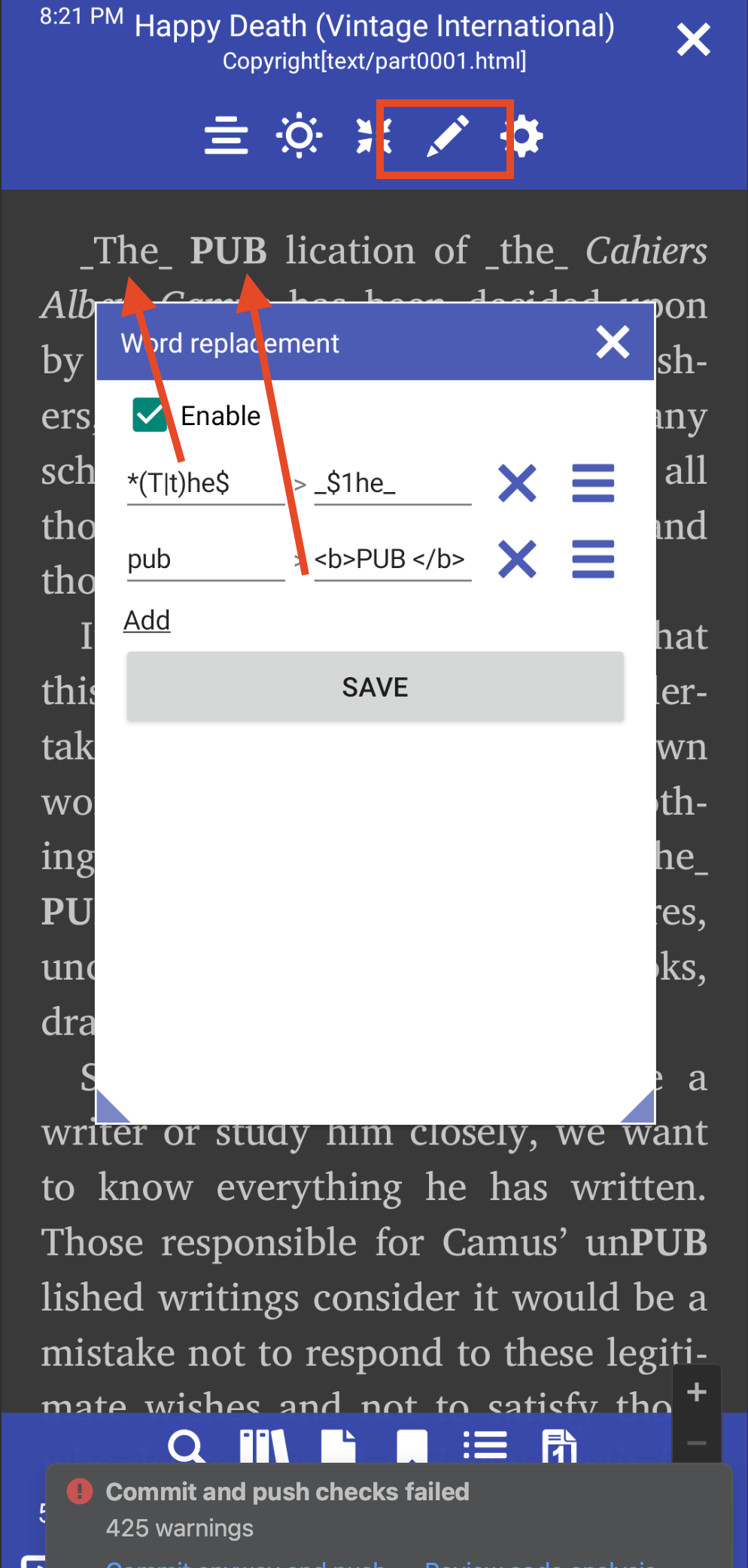
 ### [8.9.150] Changing words within the book
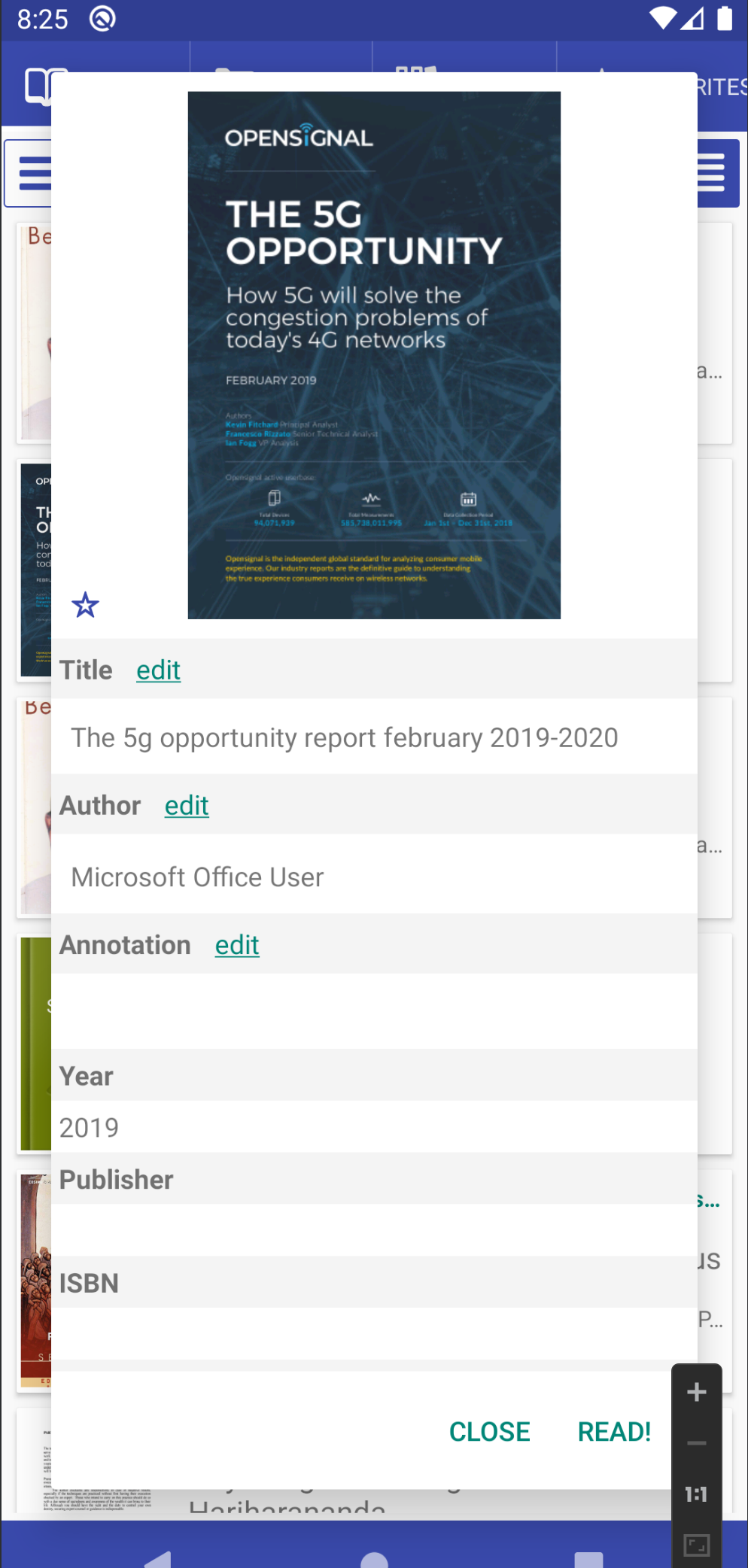
 ### [8.9.127] Edit PDF meta tags
 ### [8.9.117] Clicking the back button twice to exit an activity
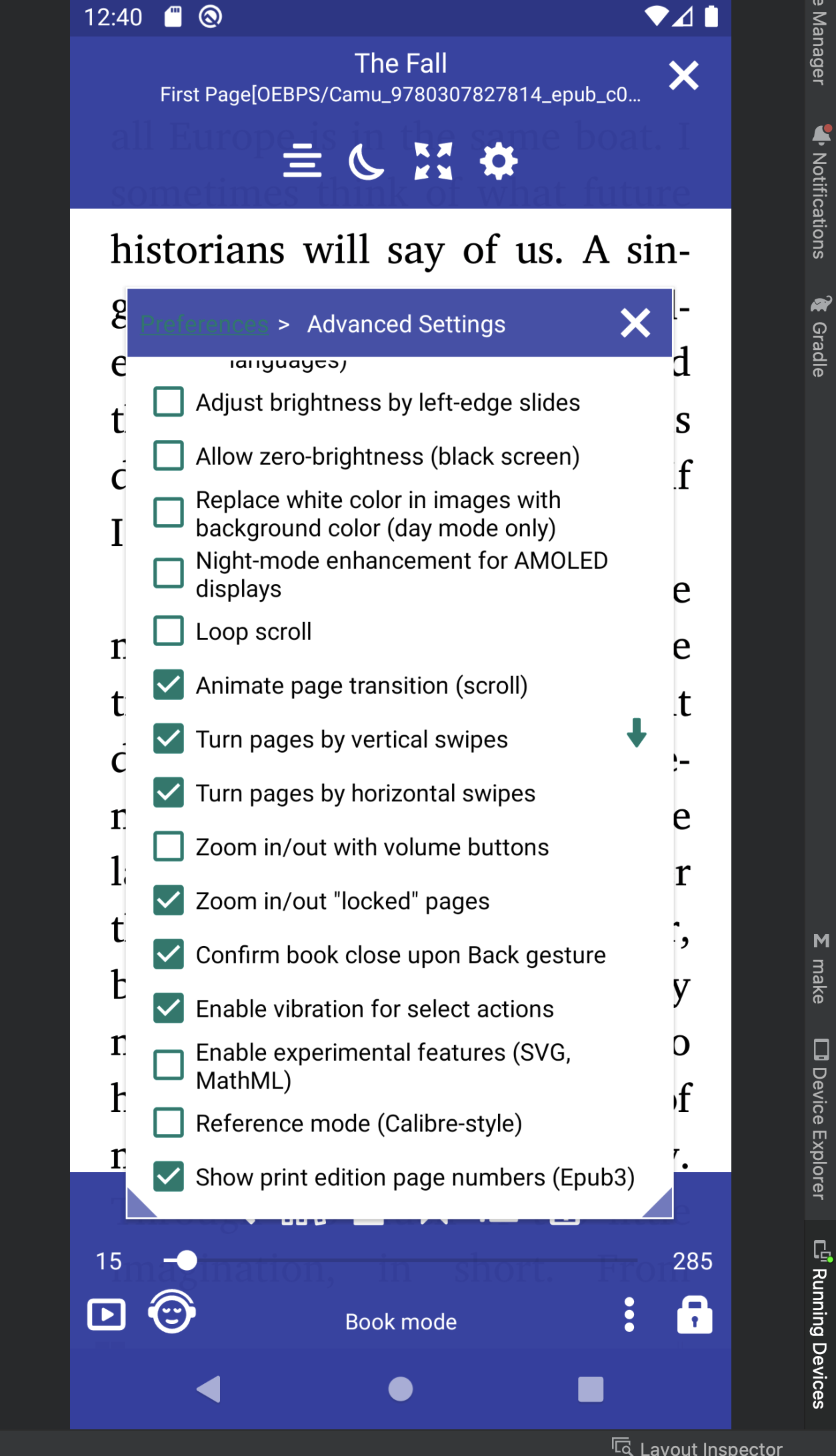
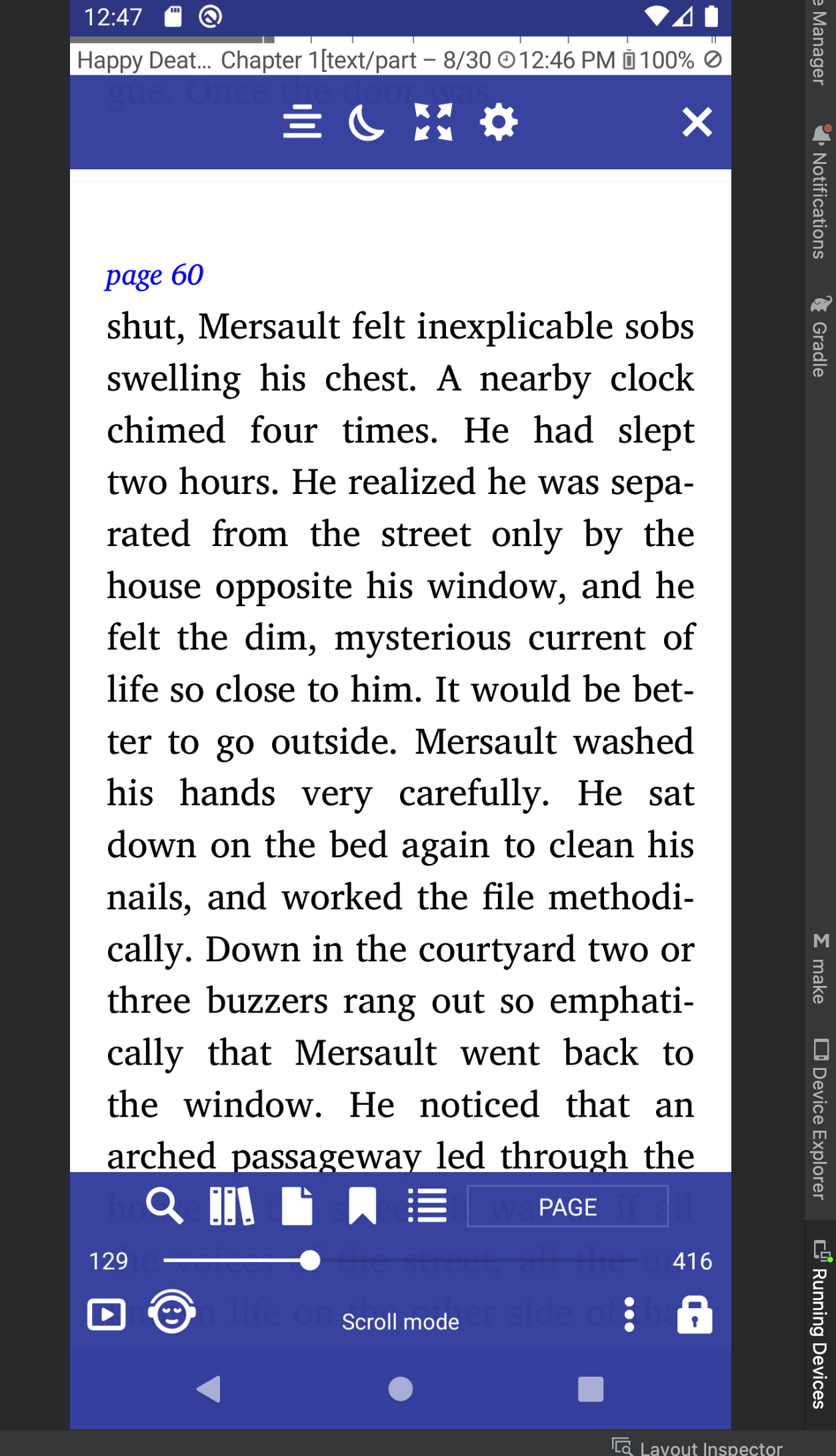
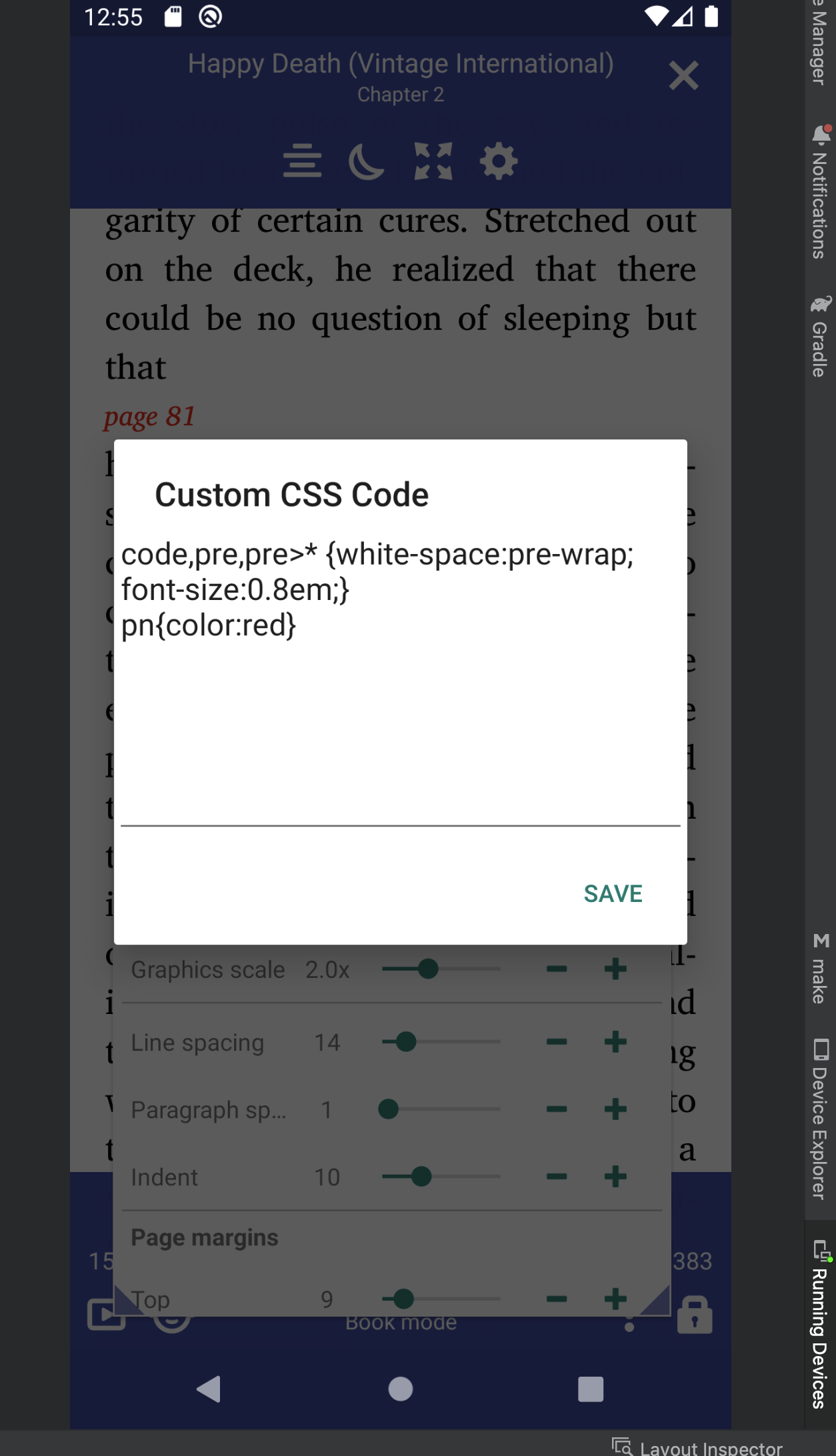
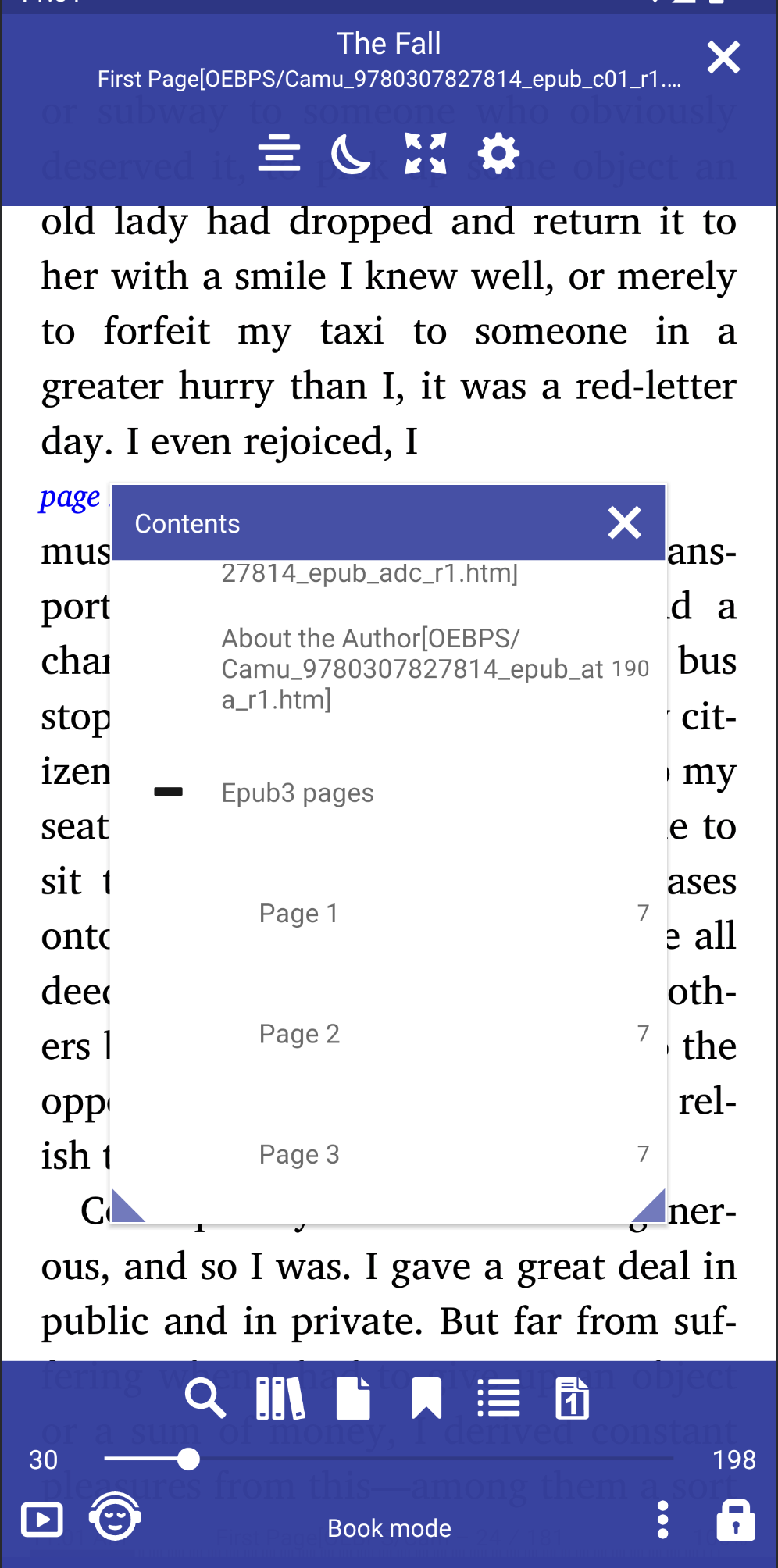
### [8.9.76] Show print edition page numbers (Epub3)
|||||
|-|-|-|-|
|||||
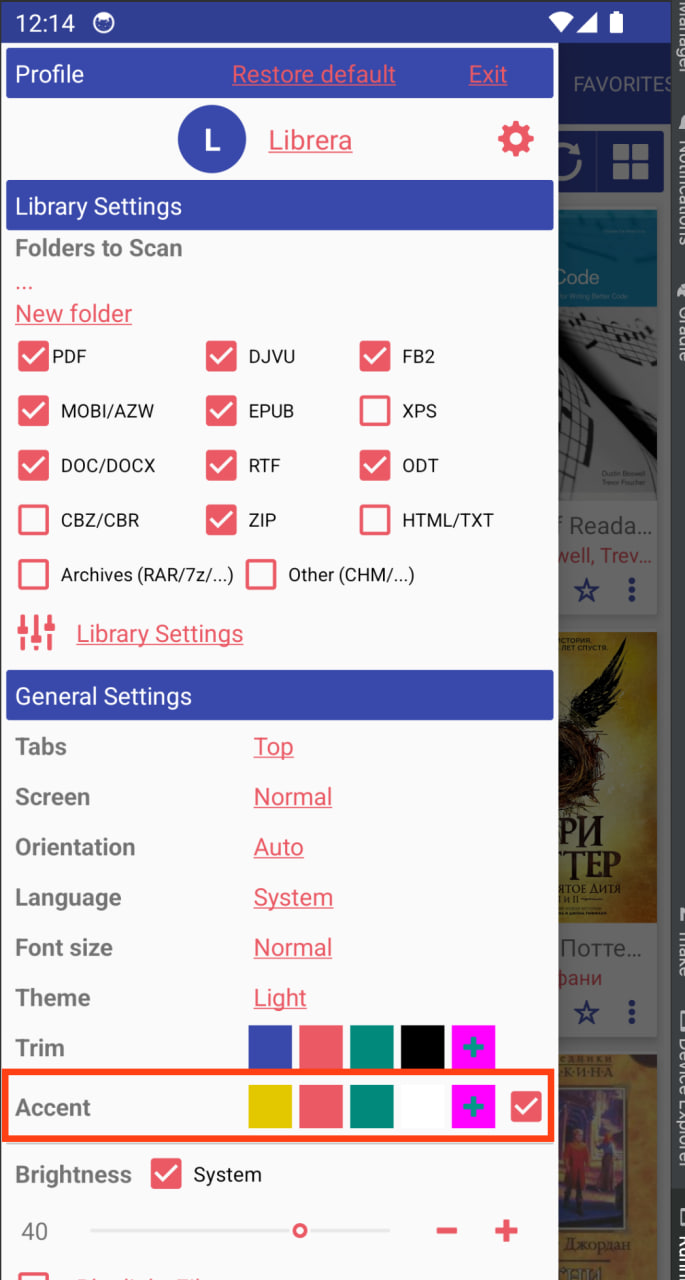
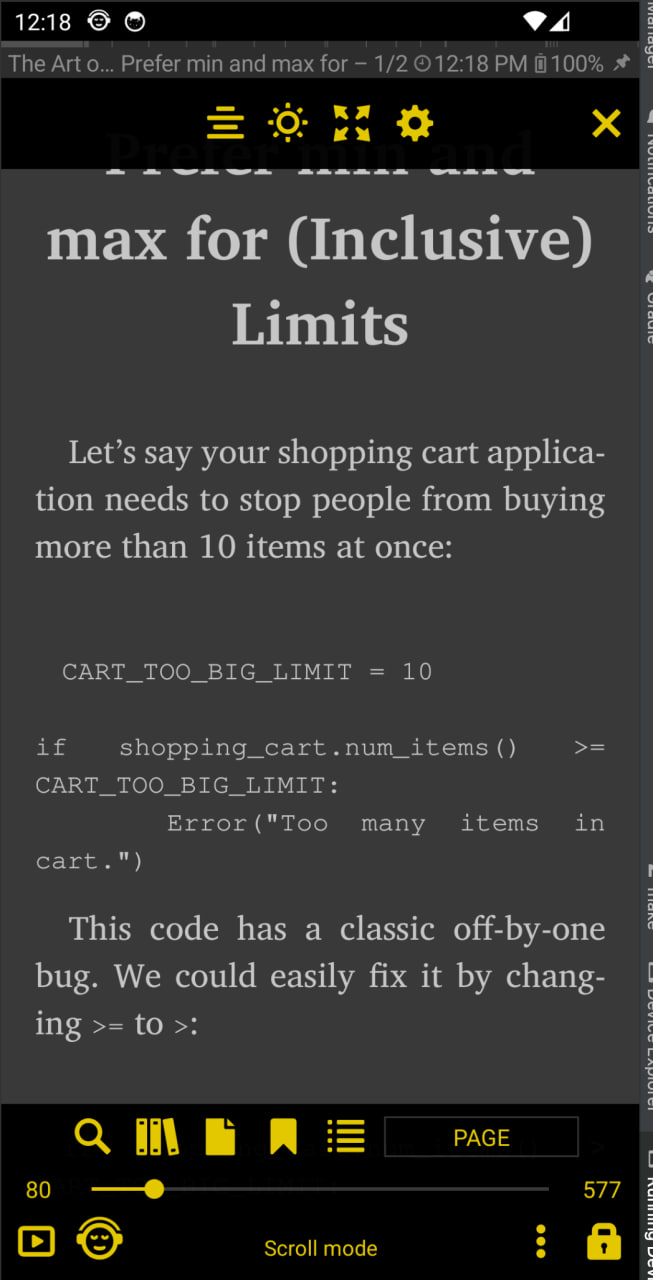
### [8.9.54] Accent color
||||
|-|-|-|
||||
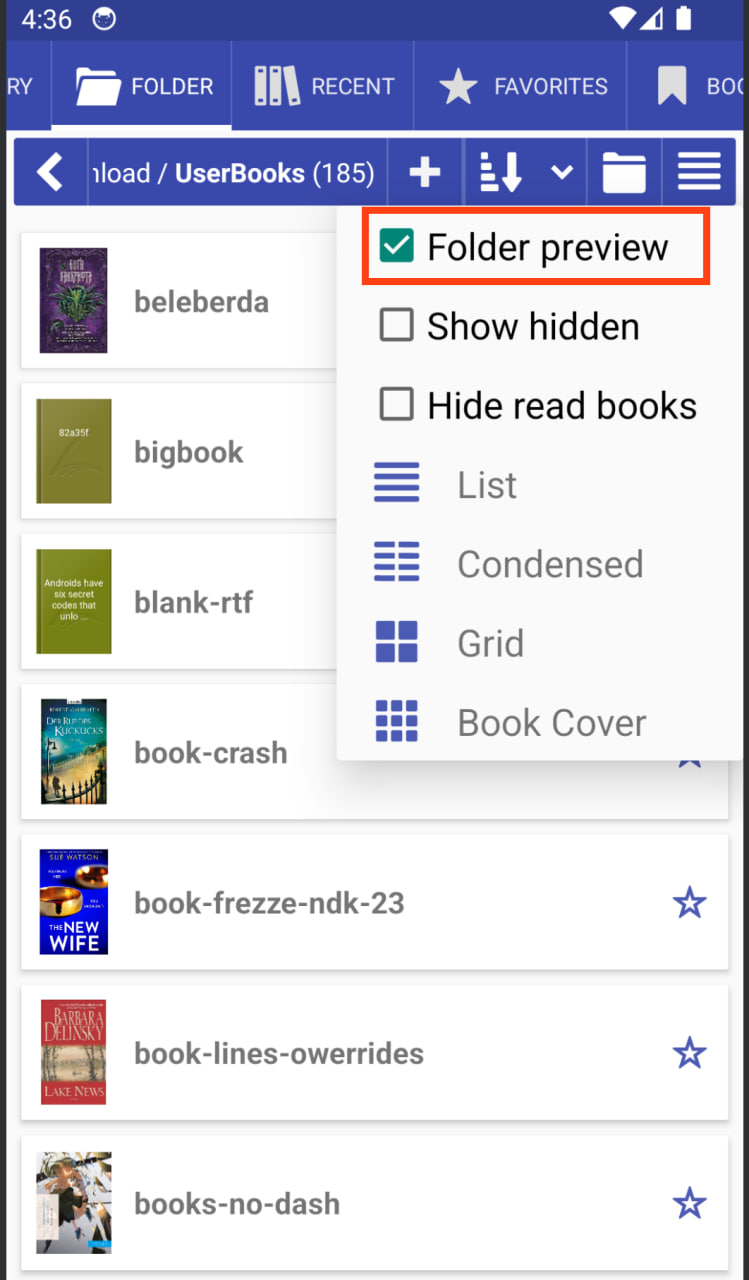
### [8.9.50] Folder preview
### [8.9.117] Clicking the back button twice to exit an activity
### [8.9.76] Show print edition page numbers (Epub3)
|||||
|-|-|-|-|
|||||
### [8.9.54] Accent color
||||
|-|-|-|
||||
### [8.9.50] Folder preview
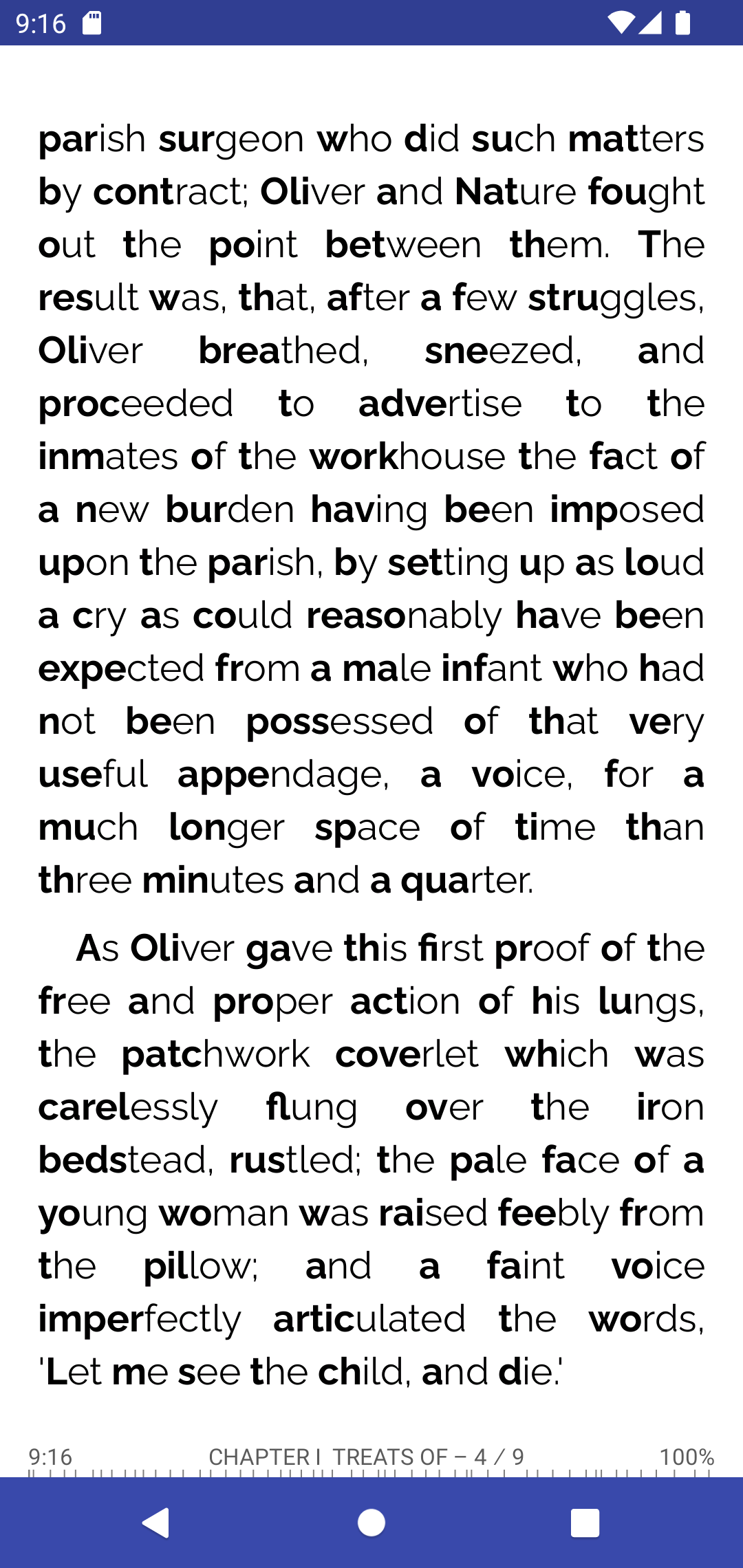
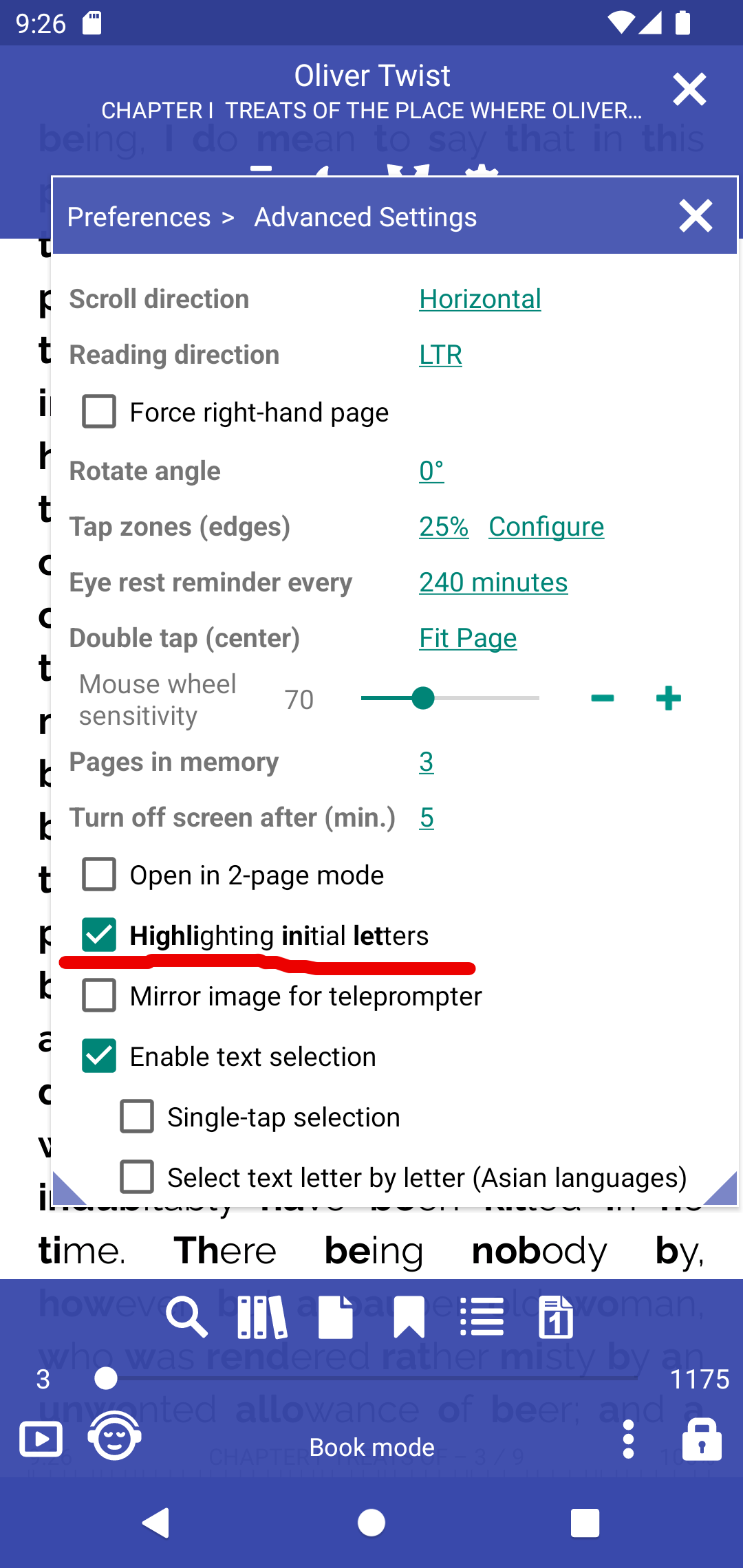
 ### [8.8.104] Highlighting initial letters
||||
|-|-|-|
||||
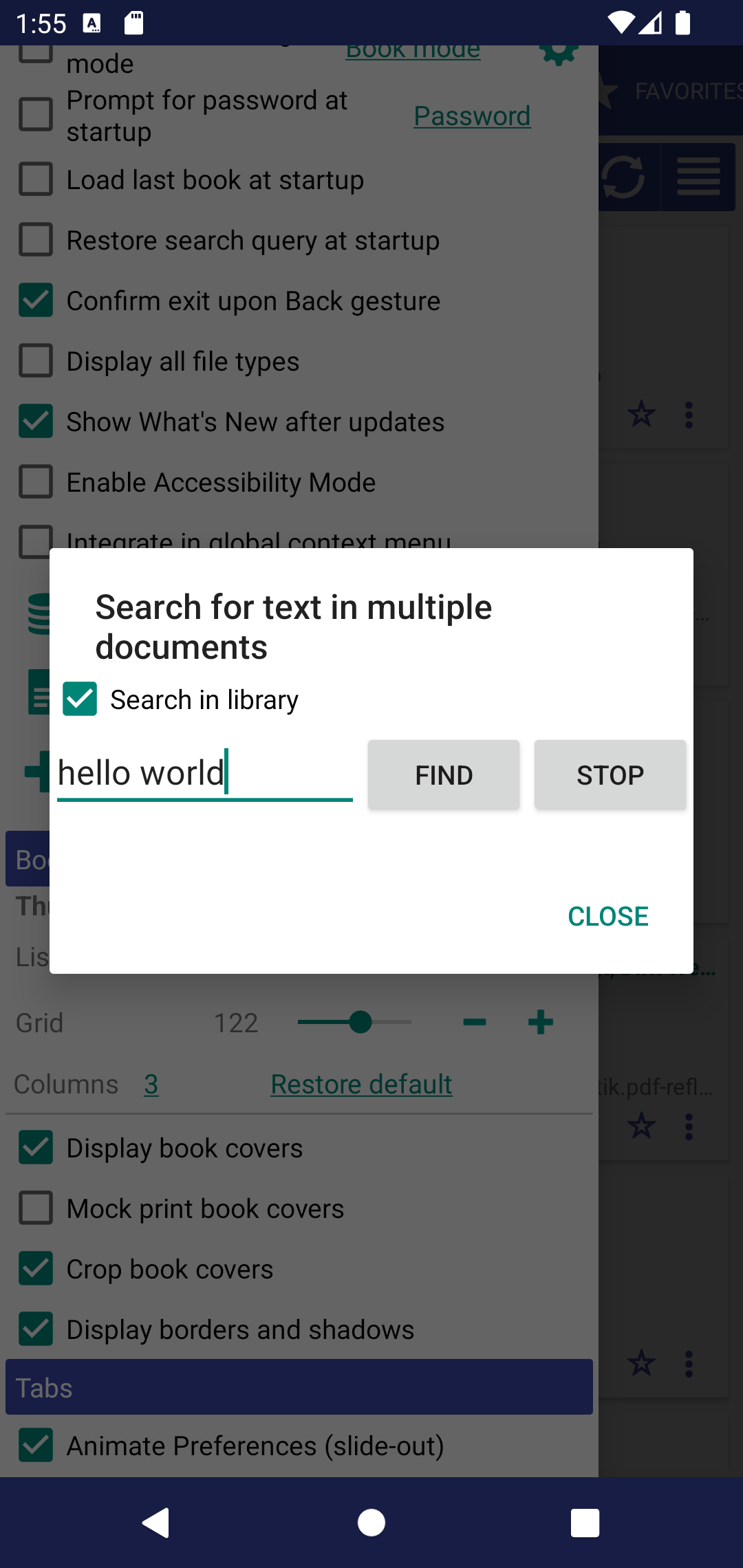
### [8.8.79] Search for some text in the Library books
* It's possible to filter library results
* Sentence search is possible
### [8.8.104] Highlighting initial letters
||||
|-|-|-|
||||
### [8.8.79] Search for some text in the Library books
* It's possible to filter library results
* Sentence search is possible
 ### [8.8.79] Sort bookmarks by page or by date
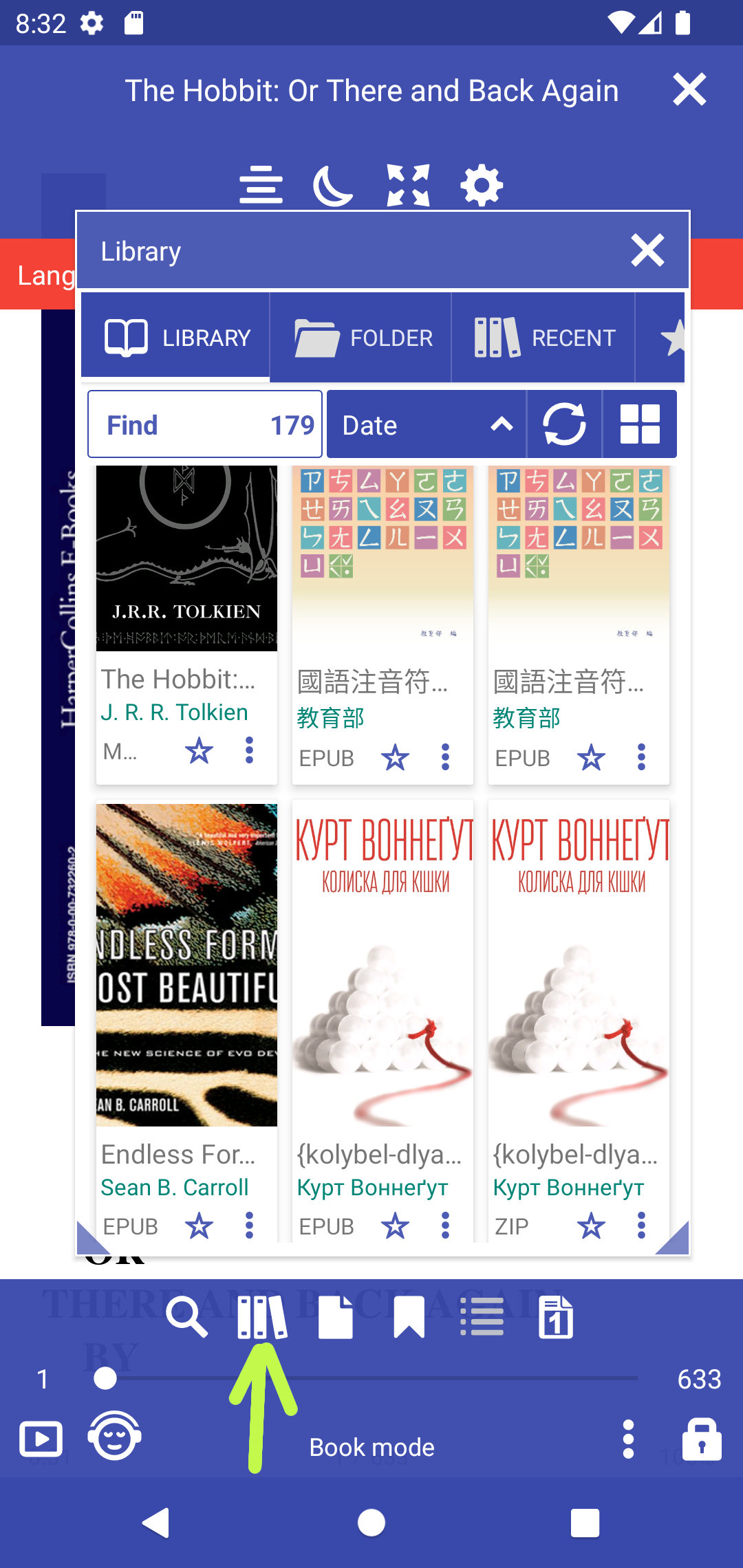
 ### [8.8.37] Access Library from the book
 ### [8.8.16] Support external (http://) images in EPUB books.
Experimental feature should be enabled
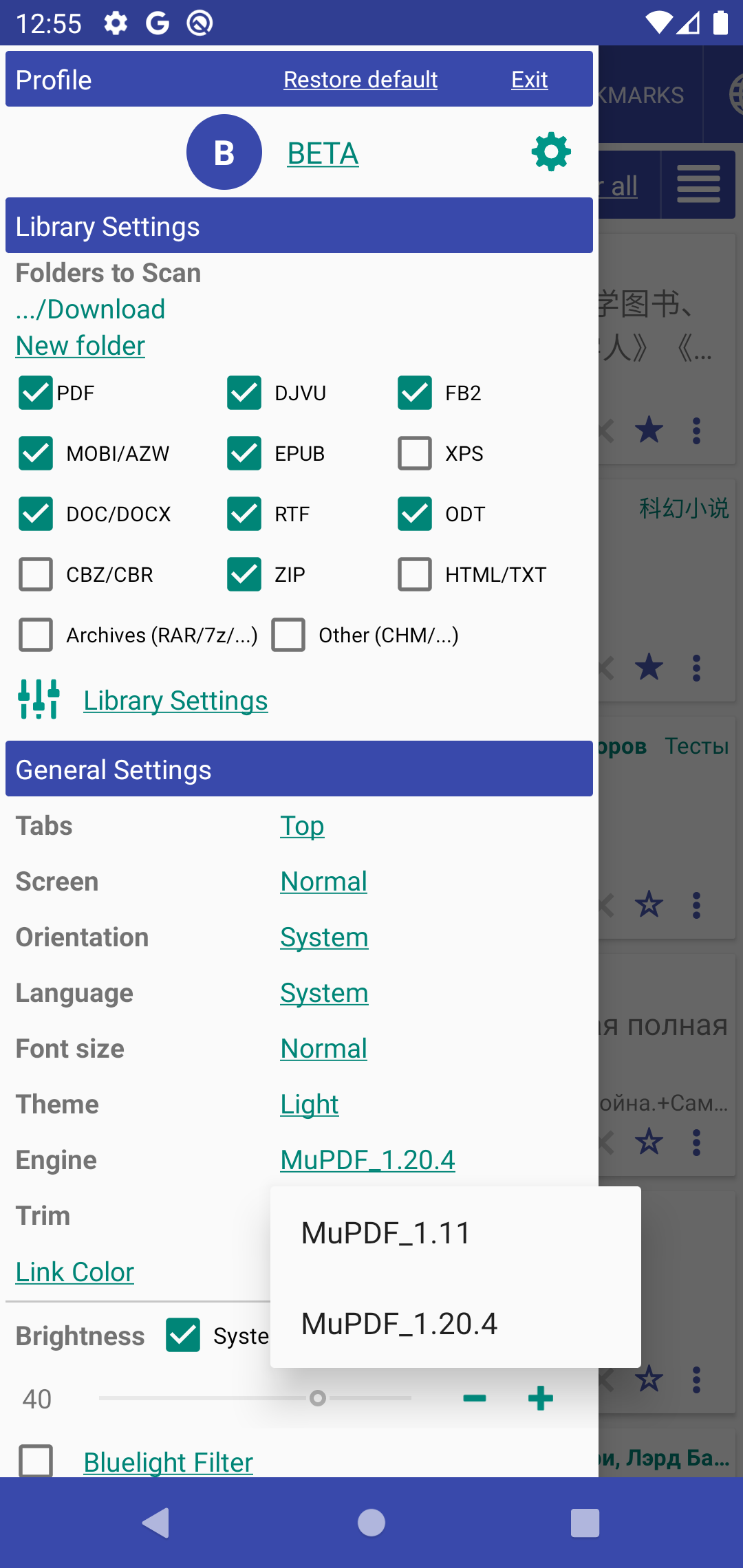
### [8.8.0] Changing the rendering engine within the app
**MuPDF_1.11** basic Librera rendering engine
**MuPDF_1.20.x** modern rendering engine, fast, accurate but can be with bugs, crashes
||||
|-|-|-|
||||
### [8.6.44] Rotate page in the bottom menu
### [8.8.16] Support external (http://) images in EPUB books.
Experimental feature should be enabled
### [8.8.0] Changing the rendering engine within the app
**MuPDF_1.11** basic Librera rendering engine
**MuPDF_1.20.x** modern rendering engine, fast, accurate but can be with bugs, crashes
||||
|-|-|-|
||||
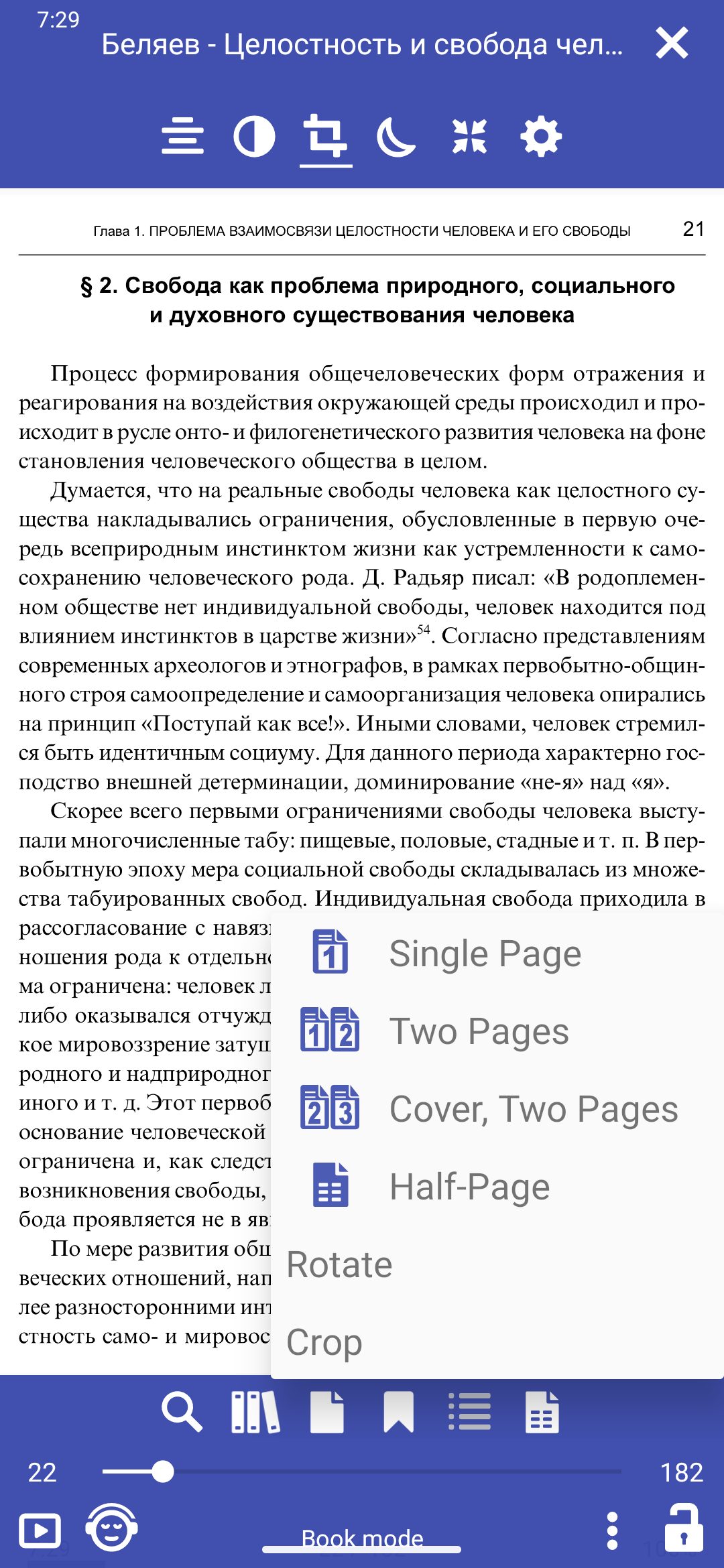
### [8.6.44] Rotate page in the bottom menu
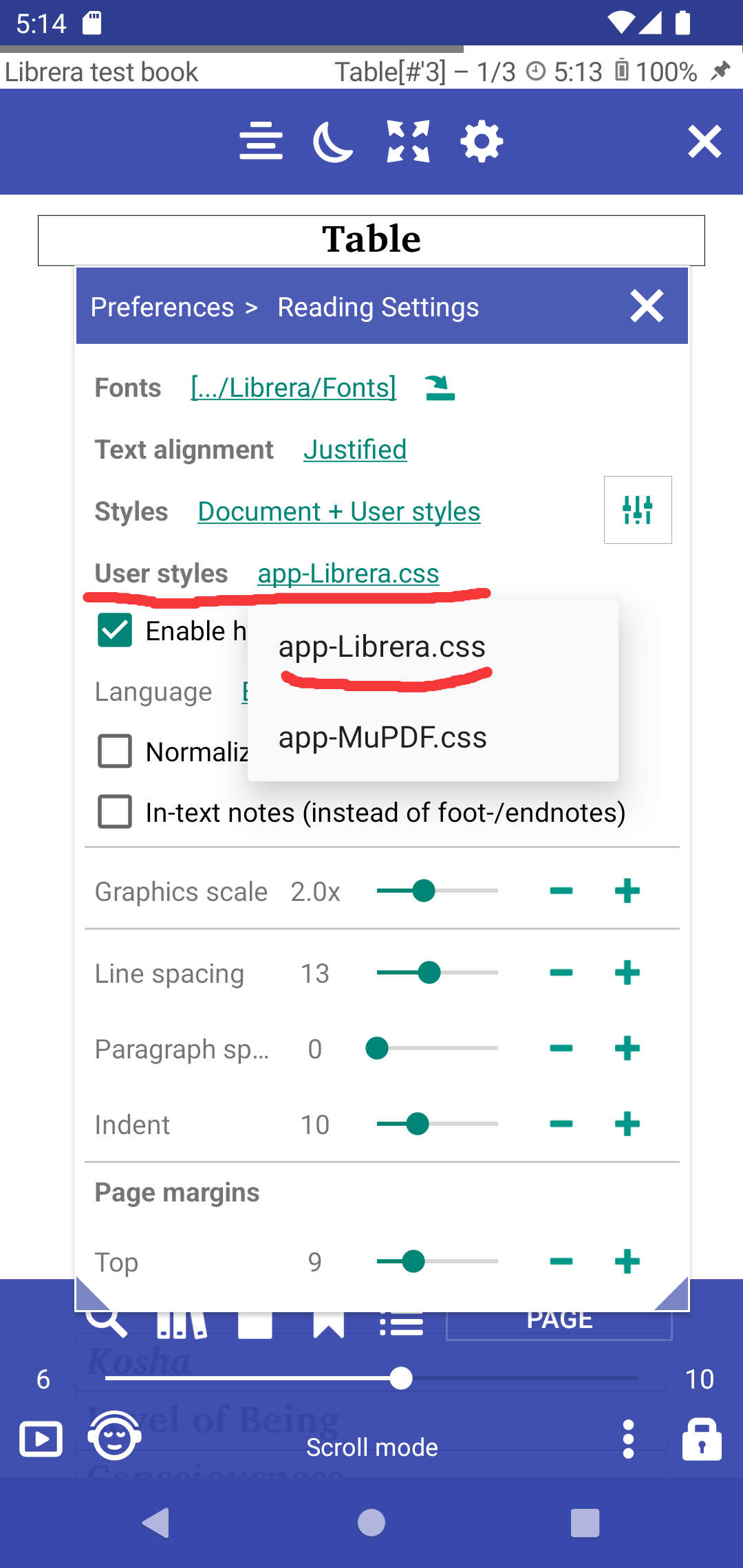
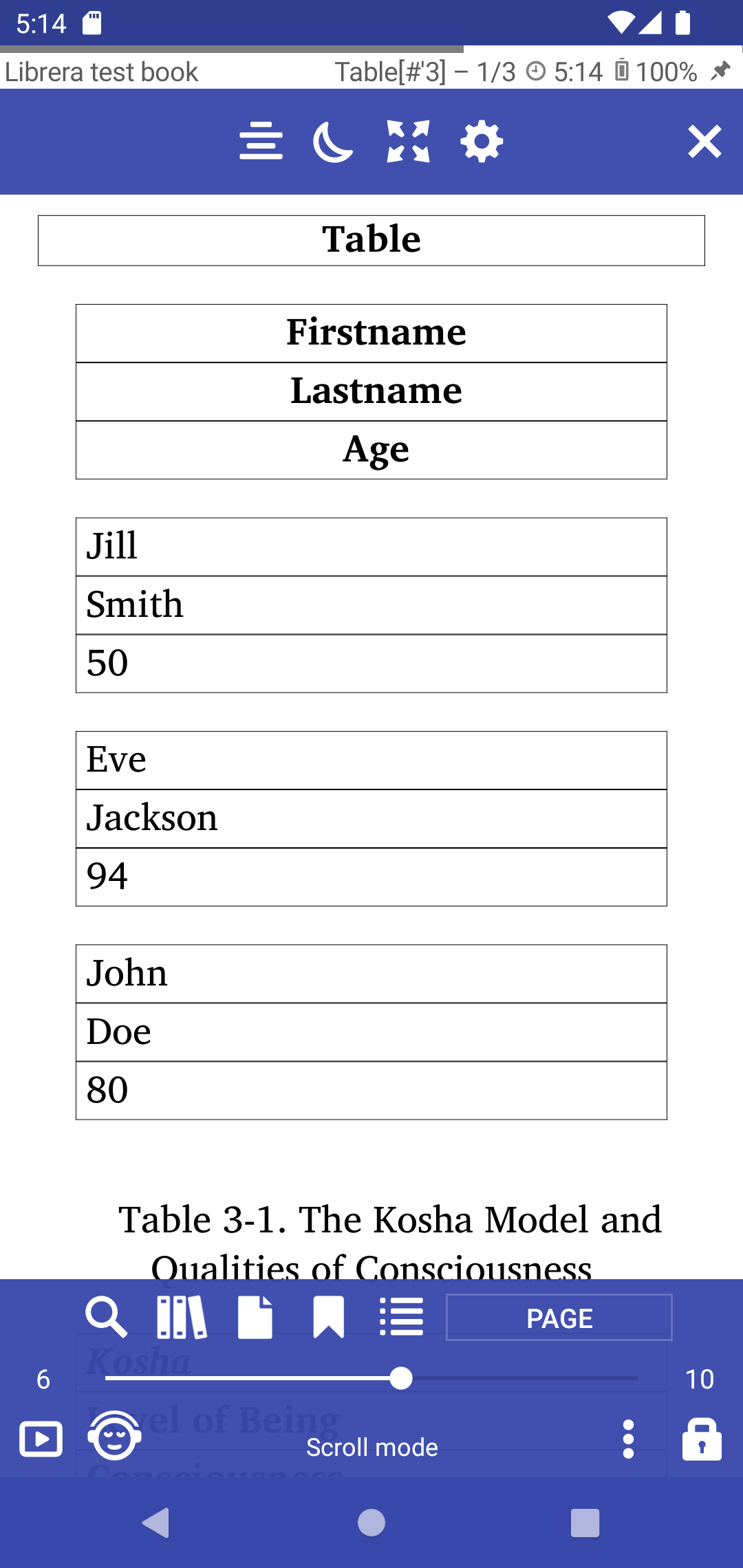
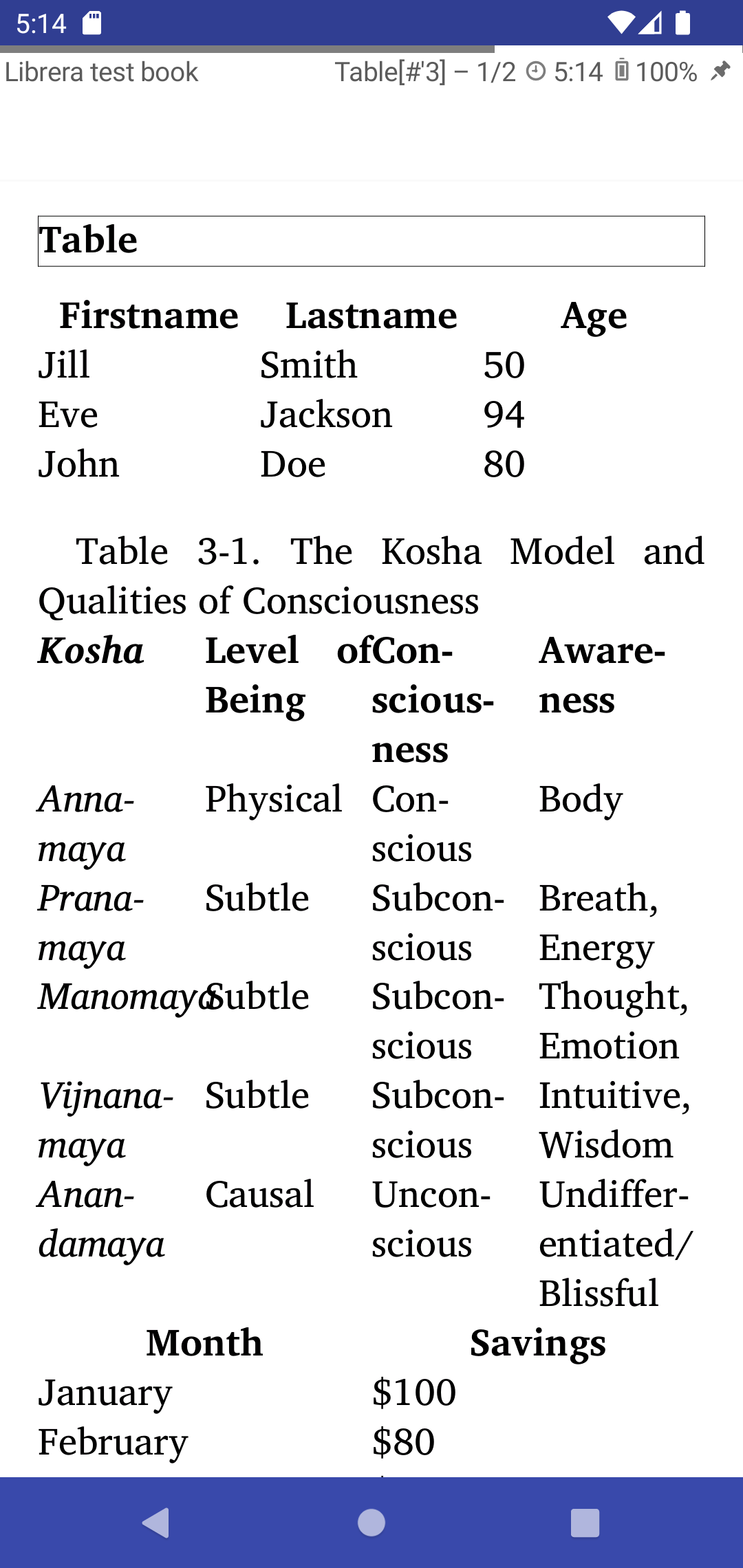
 ### [8.6.47] Custom CSS support and Table support
Added possibility to choose user styles css file
```
/sdcard/Librera/profile.Librera/device.[]/*.css
app-Librera.css - Librera default user styles for documents
app-MuPDF.css - Default MUPDF styles with Table support
```
||||
|-|-|-|
||||
### [8.6.44] Rotate page in the bottom menu
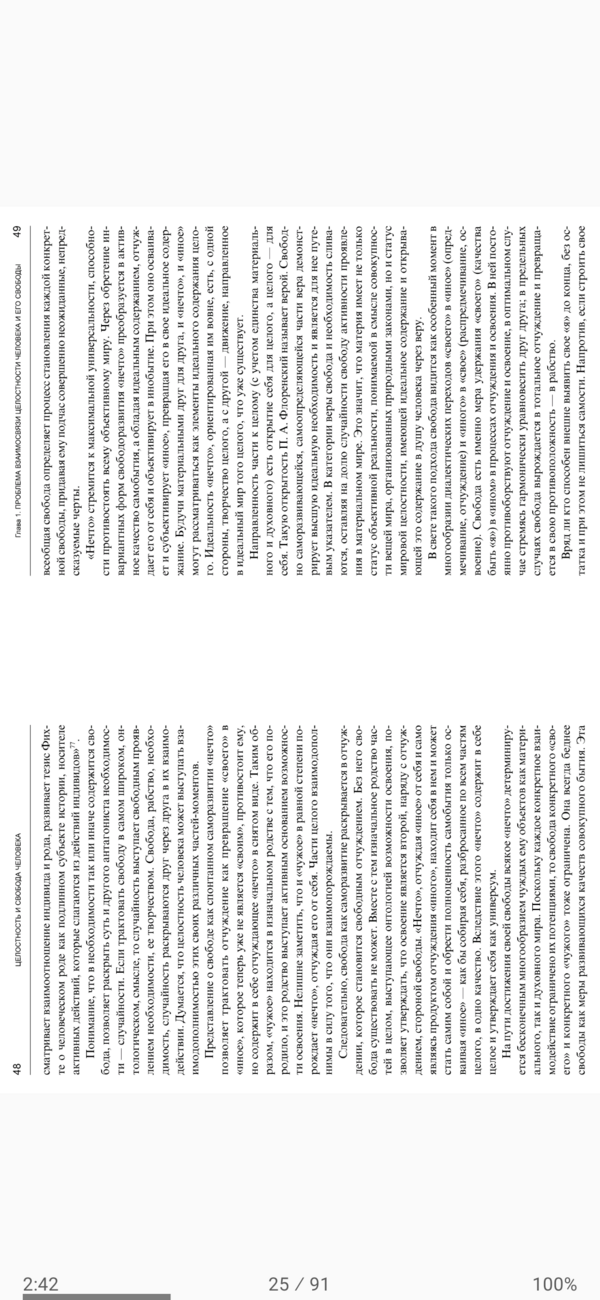
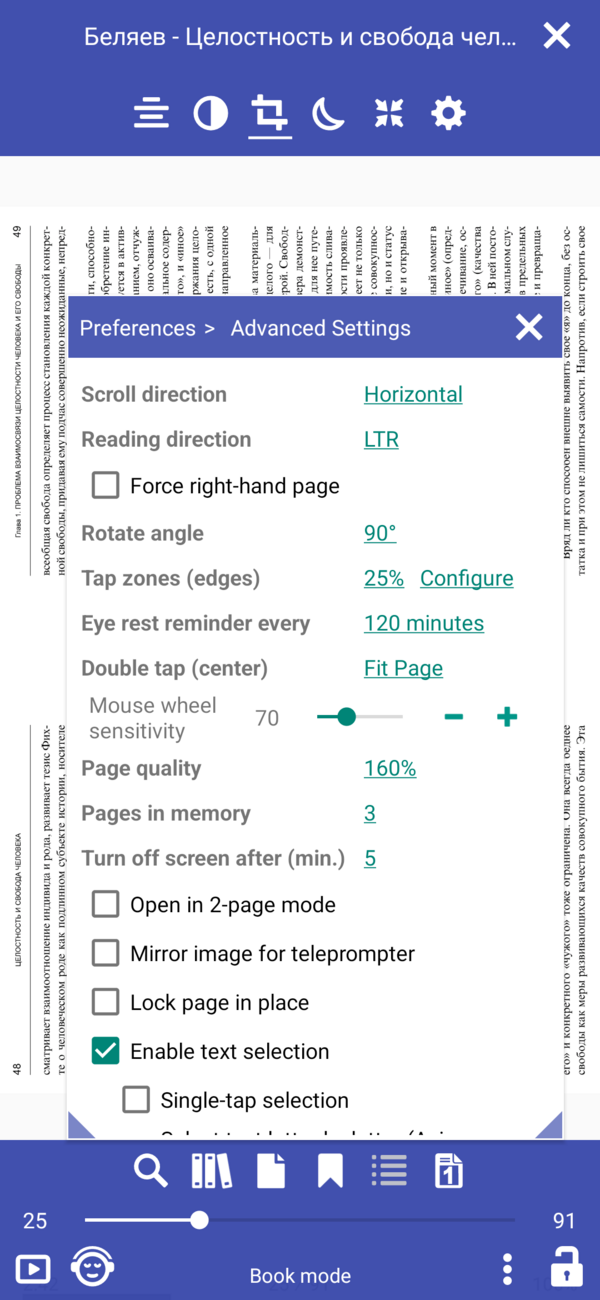
### [8.6.43] Rotate the page 90 degrees, cut out the white borders, cut into two pages
||||
|-|-|-|
||||
### [8.6.41] Show series name, order by series index
### [8.6.47] Custom CSS support and Table support
Added possibility to choose user styles css file
```
/sdcard/Librera/profile.Librera/device.[]/*.css
app-Librera.css - Librera default user styles for documents
app-MuPDF.css - Default MUPDF styles with Table support
```
||||
|-|-|-|
||||
### [8.6.44] Rotate page in the bottom menu
### [8.6.43] Rotate the page 90 degrees, cut out the white borders, cut into two pages
||||
|-|-|-|
||||
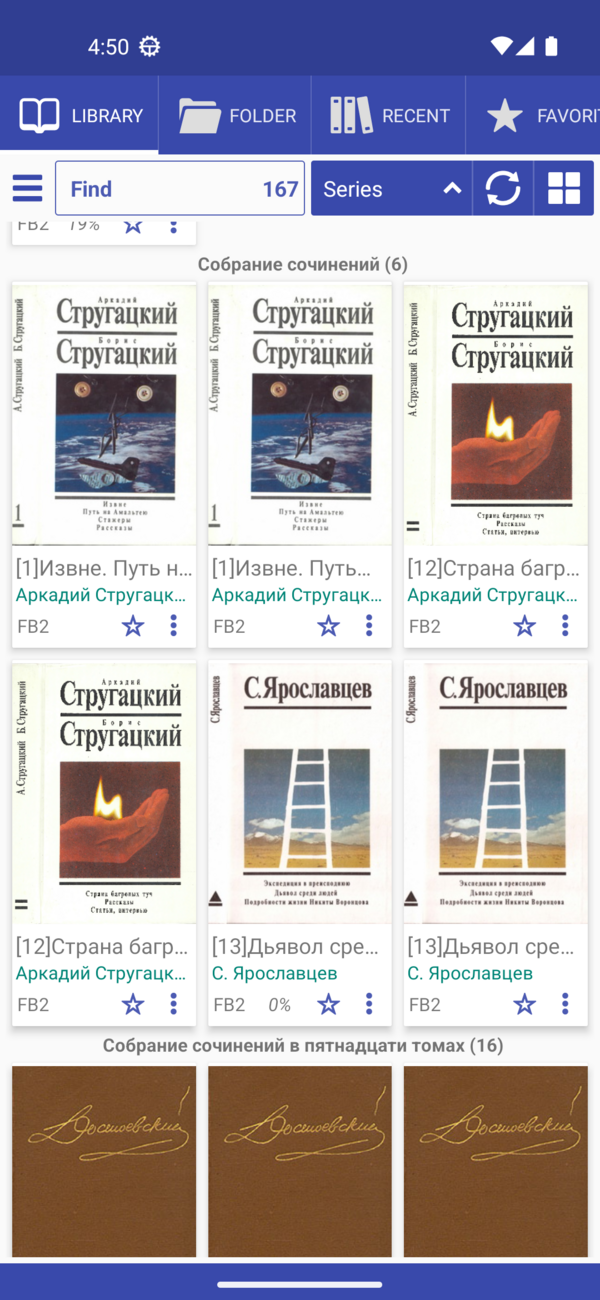
### [8.6.41] Show series name, order by series index
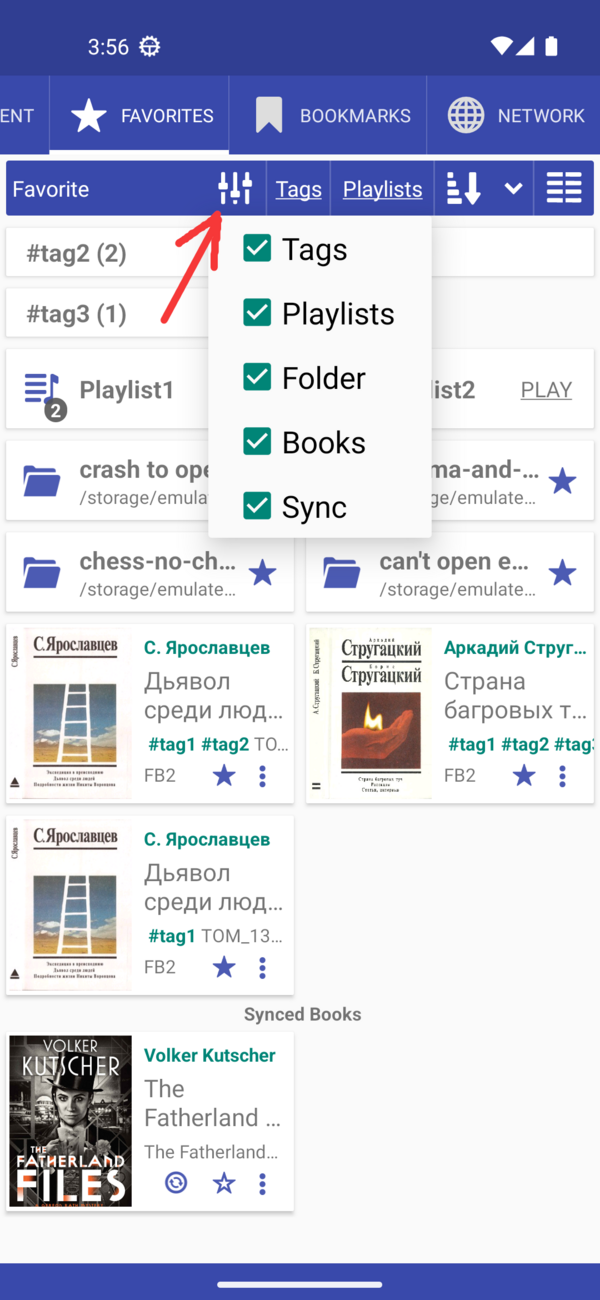
 ### [8.6.40] Configure what to show in the favorites tab
 ### [8.6.39] Moved Web Search and Web Dictionaries to the user files app-WebDict.json and app-WebSearch.json
```
> /storage/emulated/0/Librera/profile.Librera/device.[name]/app-WebSearch.json
[
{"name": "_ Disabled dict starts with _", "path": "https://translate.google.com/#%s/%s/%s"},
{"name": "Google", "path": "http://www.google.com/search?q=%s"},
{"name": "StartPage", "path": "https://www.startpage.com/sp/search?query=%s"},
{"name": "DuckDuckGo", "path": "https://duckduckgo.com/?q=%s"}
]
```
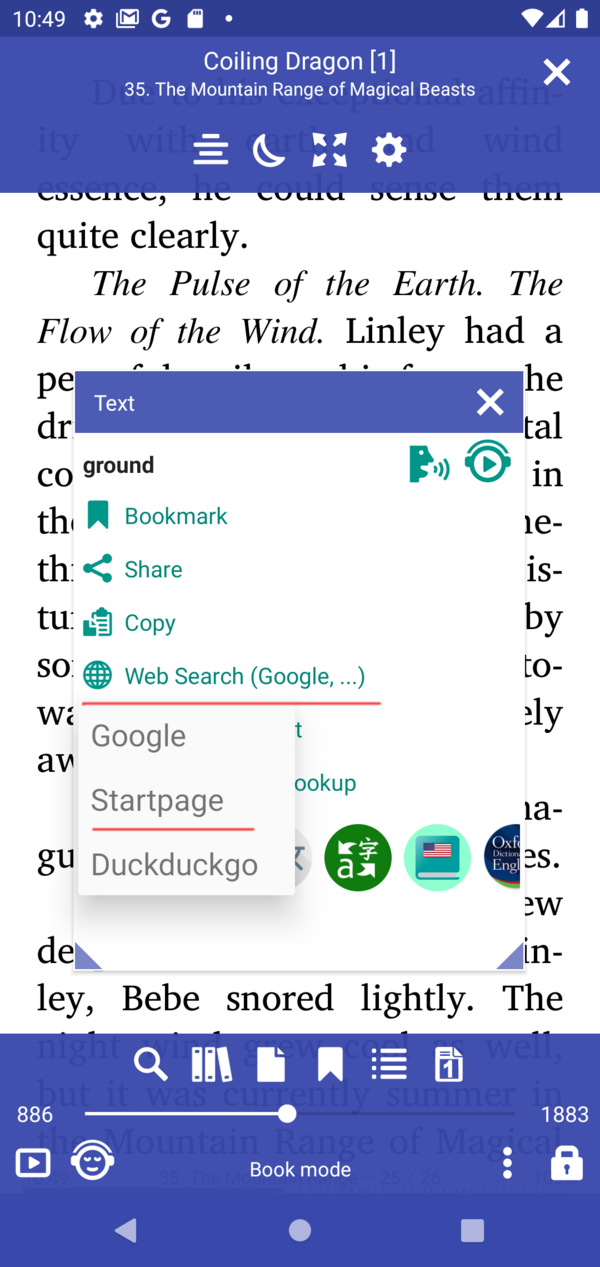
### [8.6.36] Add Web Search in Google, DuckDuckGo, StartPage
### [8.6.39] Moved Web Search and Web Dictionaries to the user files app-WebDict.json and app-WebSearch.json
```
> /storage/emulated/0/Librera/profile.Librera/device.[name]/app-WebSearch.json
[
{"name": "_ Disabled dict starts with _", "path": "https://translate.google.com/#%s/%s/%s"},
{"name": "Google", "path": "http://www.google.com/search?q=%s"},
{"name": "StartPage", "path": "https://www.startpage.com/sp/search?query=%s"},
{"name": "DuckDuckGo", "path": "https://duckduckgo.com/?q=%s"}
]
```
### [8.6.36] Add Web Search in Google, DuckDuckGo, StartPage
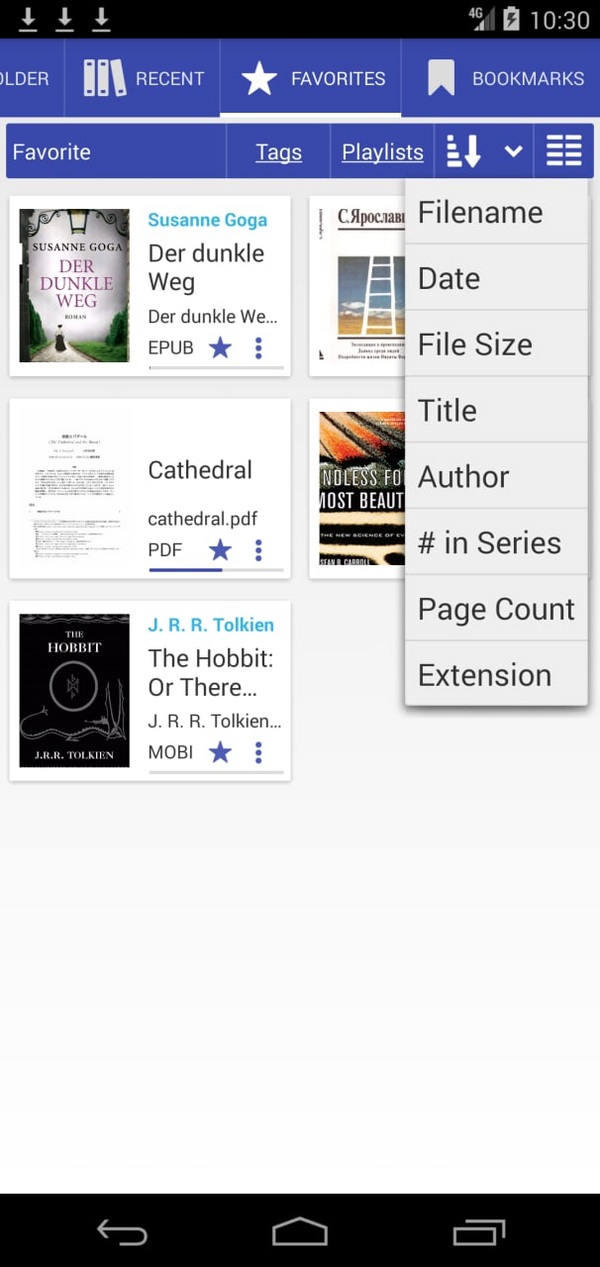
 ### [8.6.32] Favorite Tab - list sorting options
 ### [8.6.30] Librera Old for Android 4.0+ [Download](https://github.com/foobnix/LibreraReader/releases/)
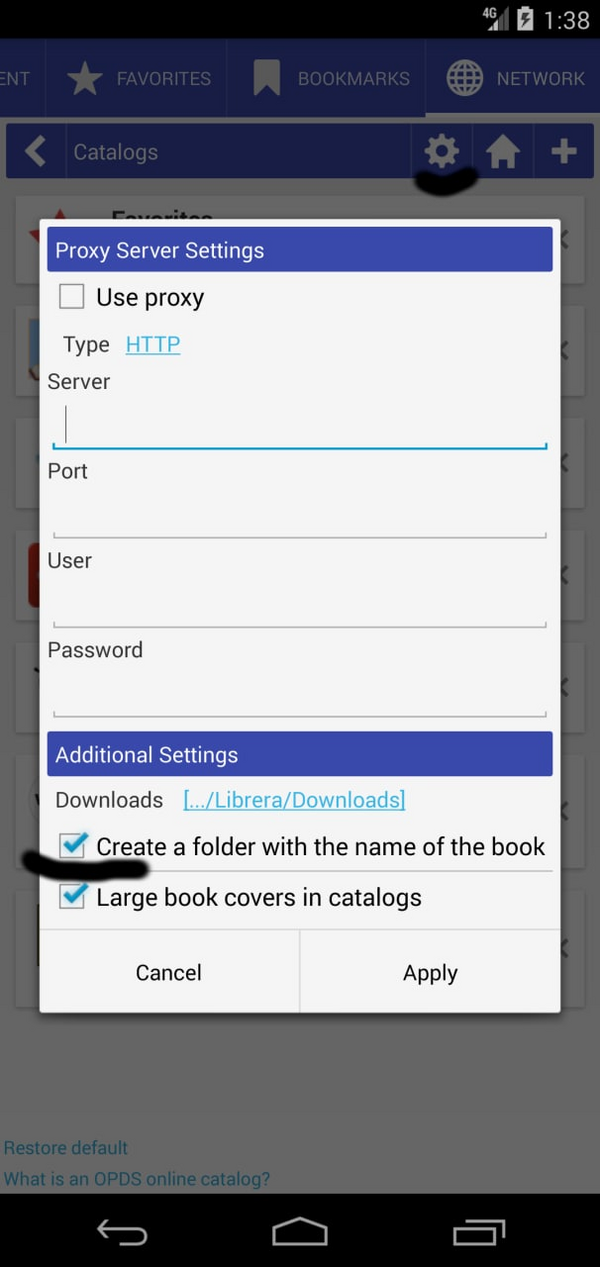
### [8.6.21] Create a folder with the name of the book for OPDS downloaded books
### [8.6.30] Librera Old for Android 4.0+ [Download](https://github.com/foobnix/LibreraReader/releases/)
### [8.6.21] Create a folder with the name of the book for OPDS downloaded books
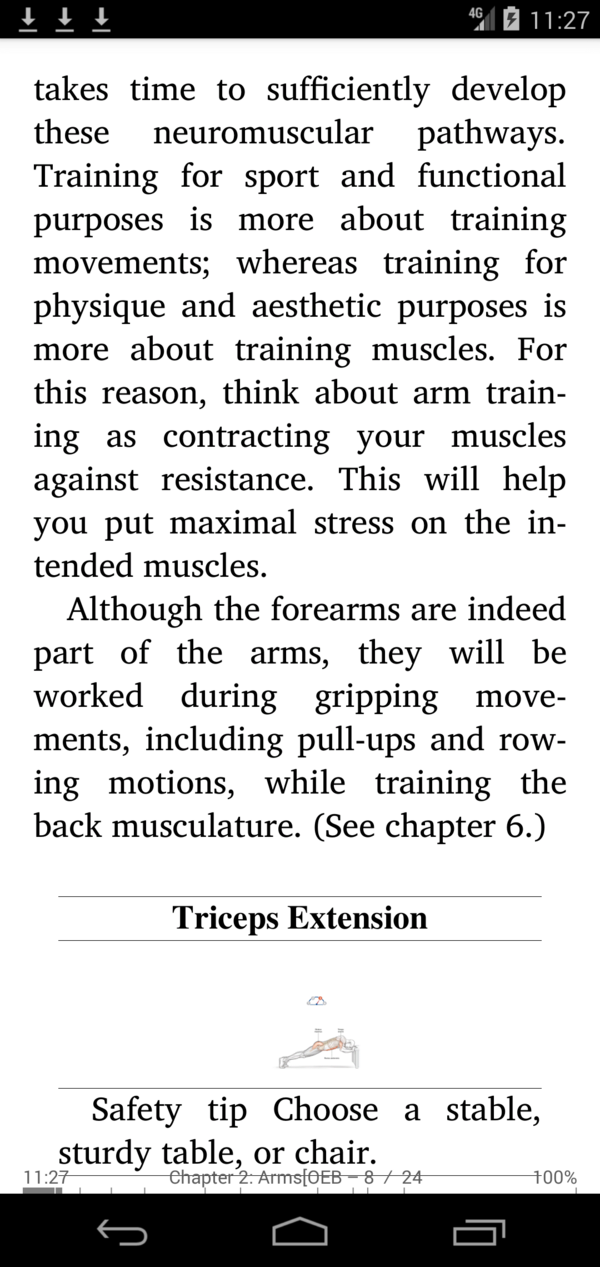
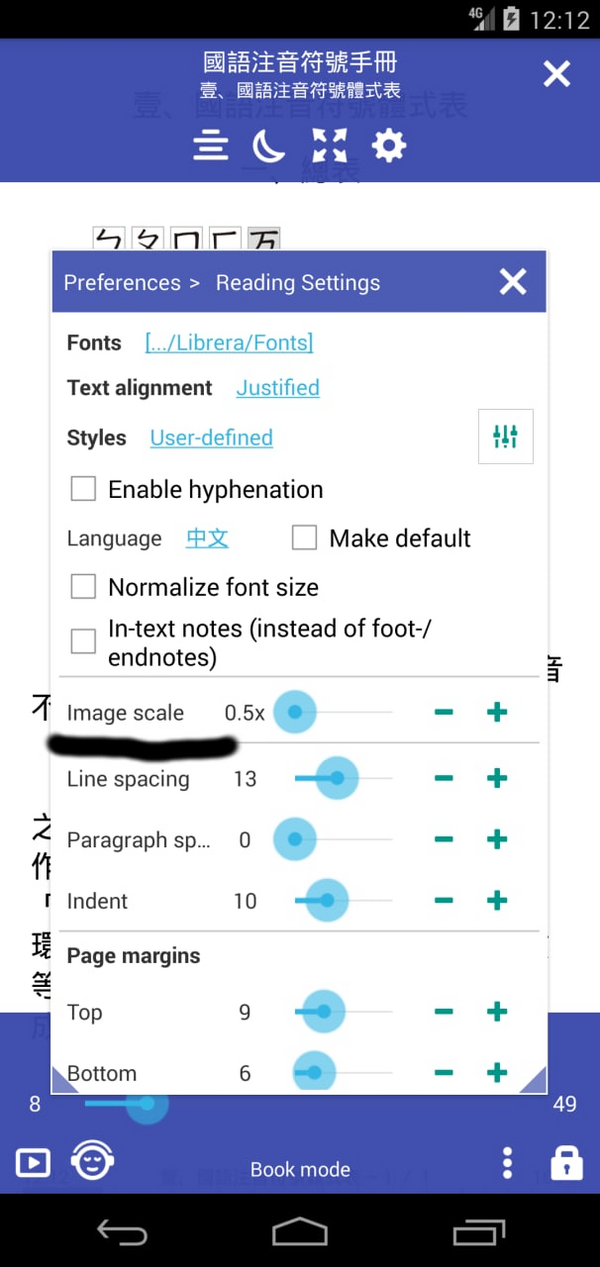
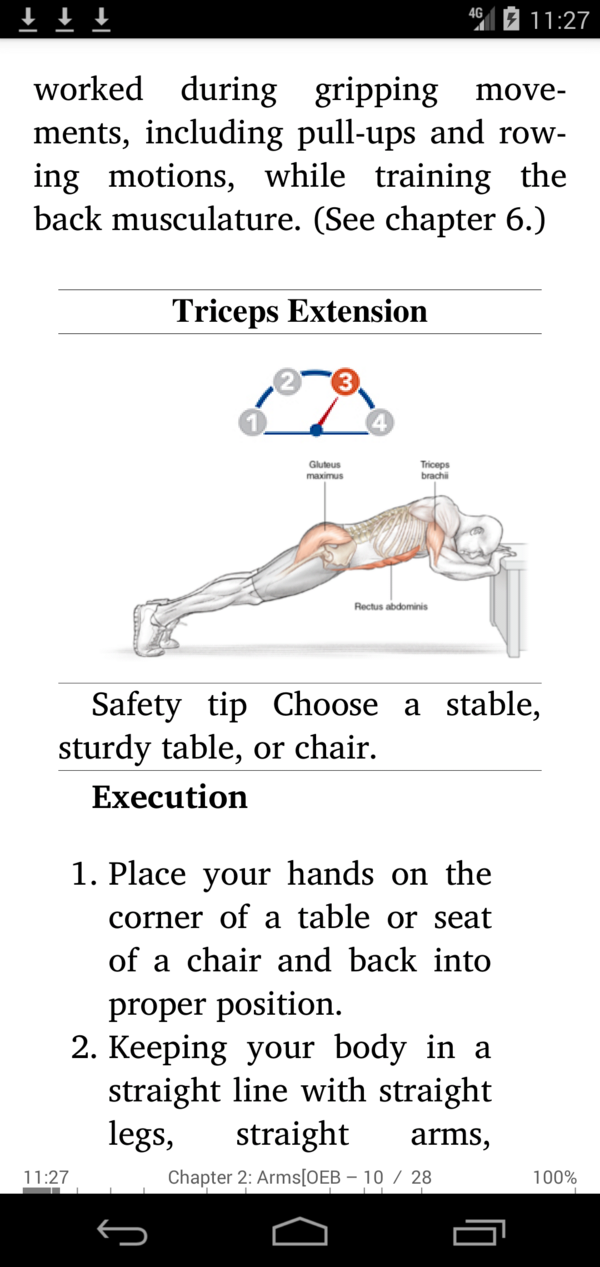
 ### [8.6.19] Custom image scale (Graphic scale) factor for Epub
||||
|-|-|-|
||||
### [8.6.01] New vector icons, improved UI
### [8.5.50] Show book count in each folder
### [8.6.19] Custom image scale (Graphic scale) factor for Epub
||||
|-|-|-|
||||
### [8.6.01] New vector icons, improved UI
### [8.5.50] Show book count in each folder
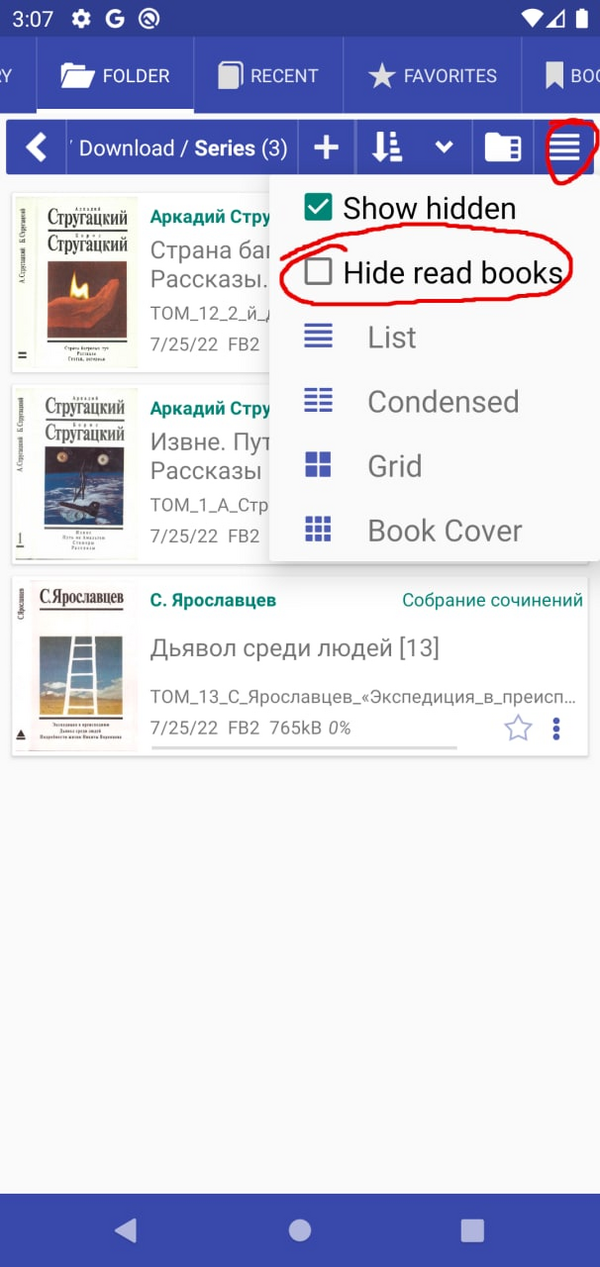
 ### [8.5.40] Hide read books in Folder tab and Library Tab
 ### [8.5.27] Restore search query at startup
### [8.5.12] Support EPUB and comics with WEBP images
### [8.4.21] Preset text encoding for .TXT files
### [8.4.08] Always open books in 2-page mode
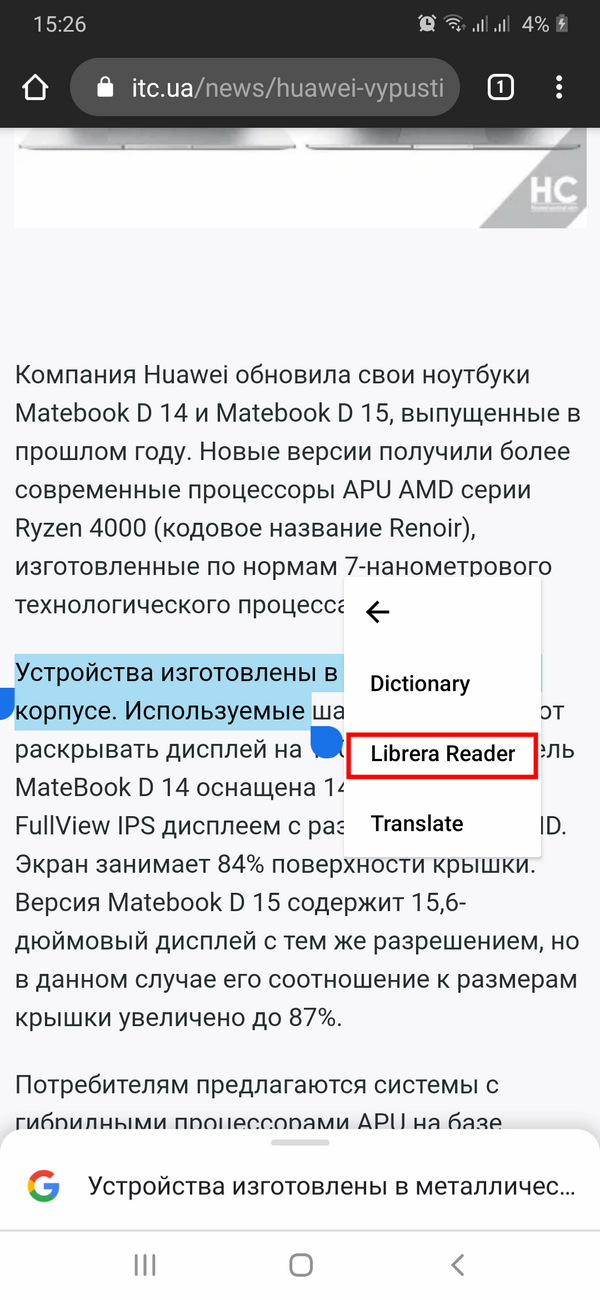
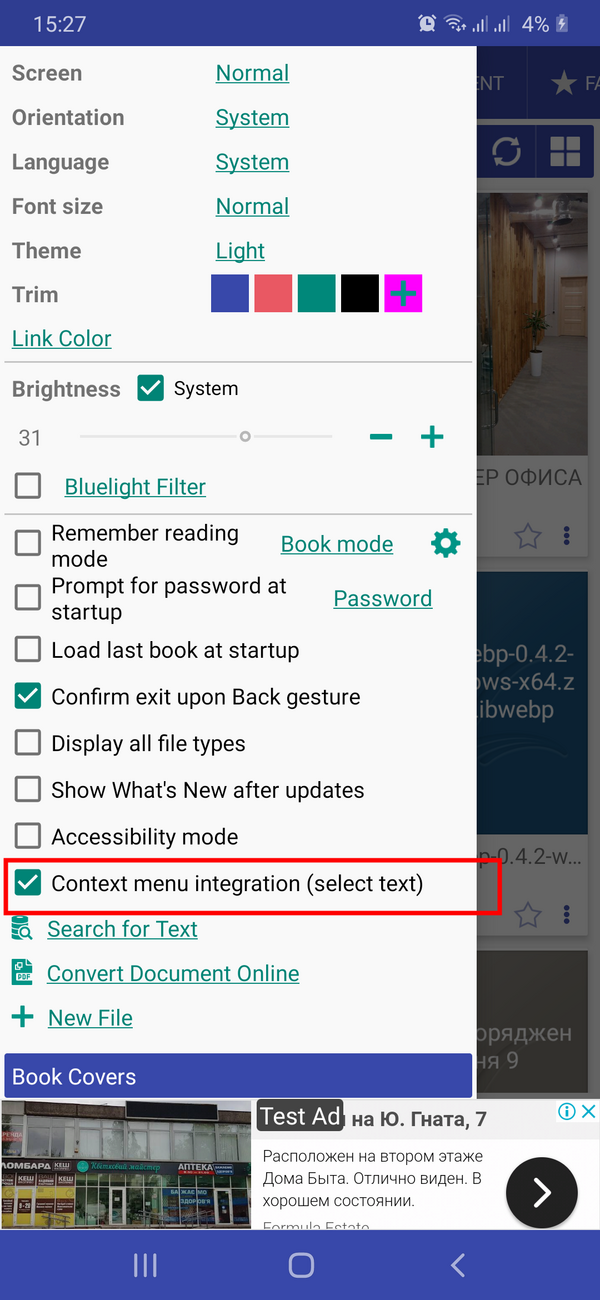
### [8.3.97] Enable disable context menu integration (text selection)
|||
|-|-|
|||
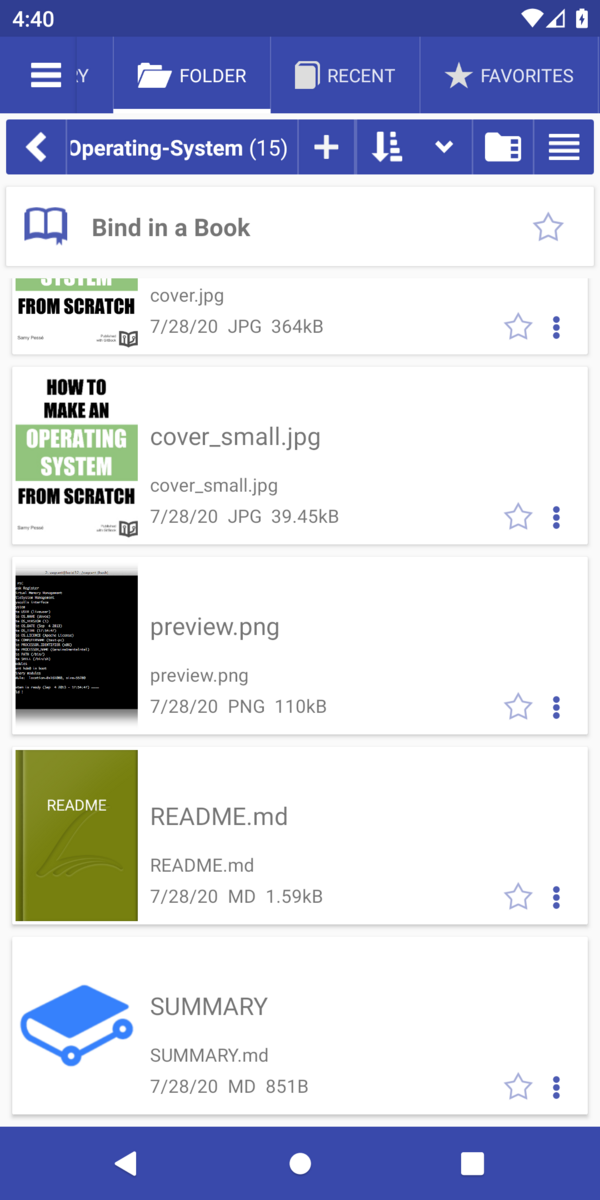
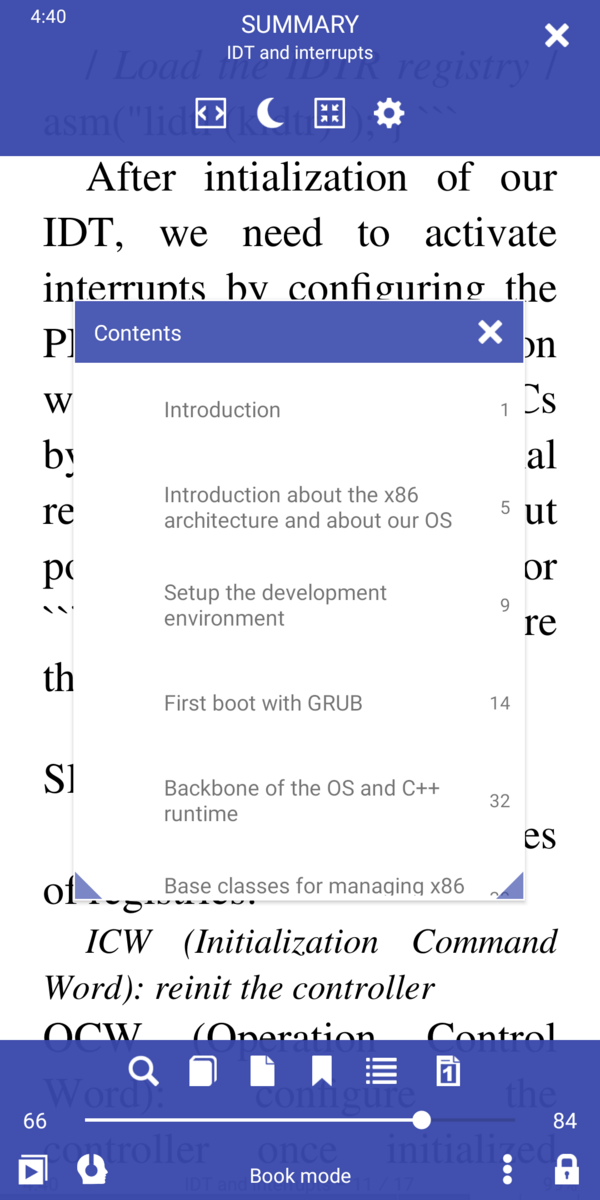
### [8.3.94] Bind a GitBook
|||
|-|-|
|||
### [8.3.90] Accessibility optimization
### [8.3.84] OPDS download folder format "[Author name]/Book name"
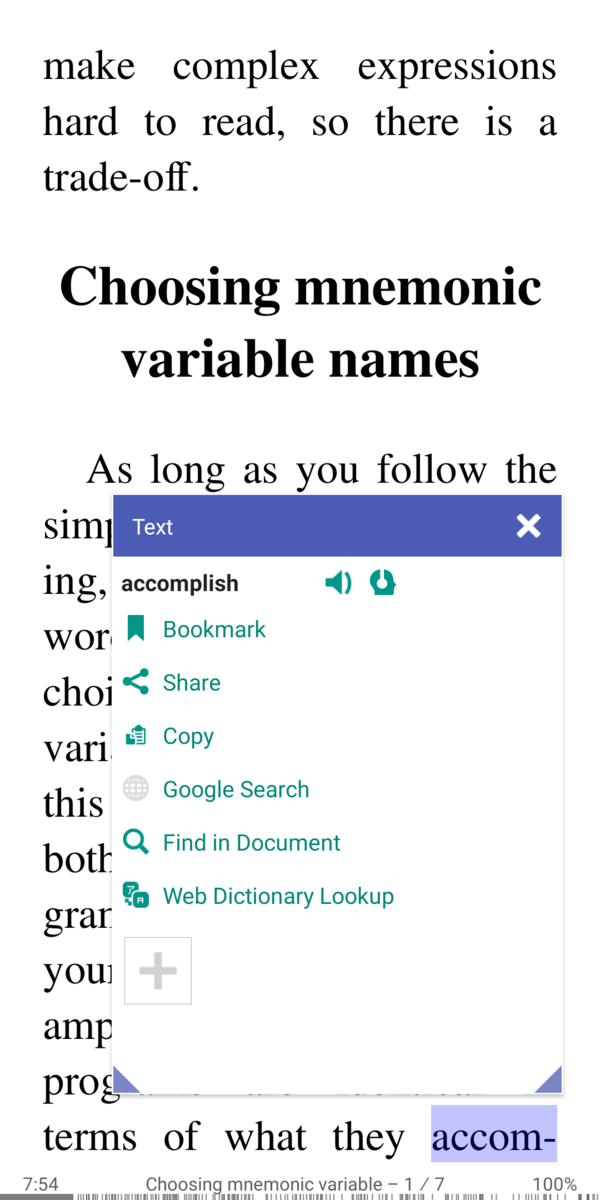
### [8.3.80] Text selection: hyphenated last word on page will be selected as complete
### [8.5.27] Restore search query at startup
### [8.5.12] Support EPUB and comics with WEBP images
### [8.4.21] Preset text encoding for .TXT files
### [8.4.08] Always open books in 2-page mode
### [8.3.97] Enable disable context menu integration (text selection)
|||
|-|-|
|||
### [8.3.94] Bind a GitBook
|||
|-|-|
|||
### [8.3.90] Accessibility optimization
### [8.3.84] OPDS download folder format "[Author name]/Book name"
### [8.3.80] Text selection: hyphenated last word on page will be selected as complete
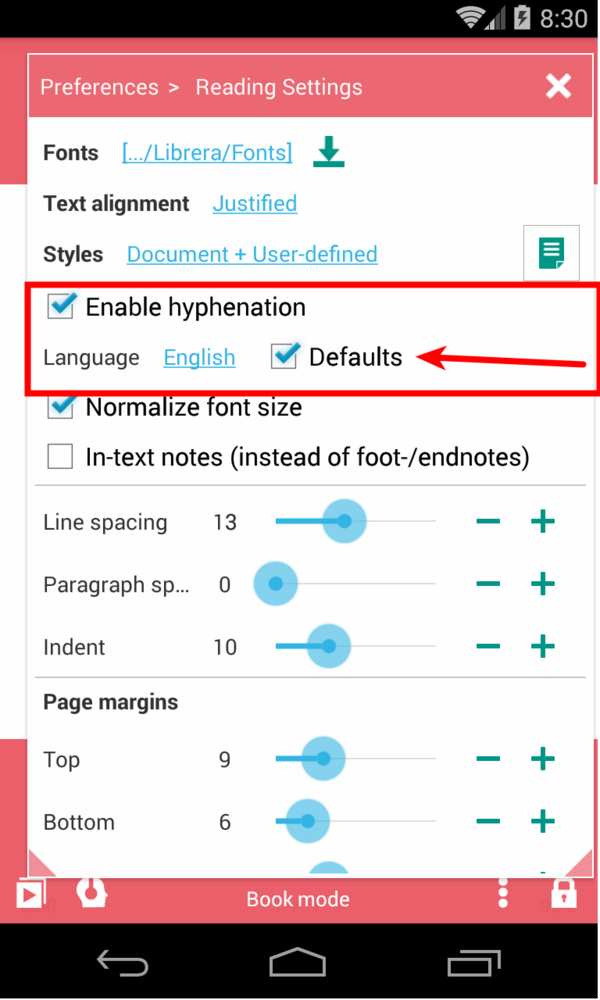
 ### [8.3.78] Default hyphen language for all books
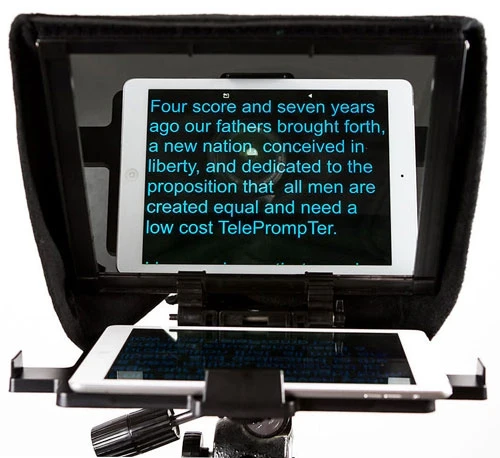
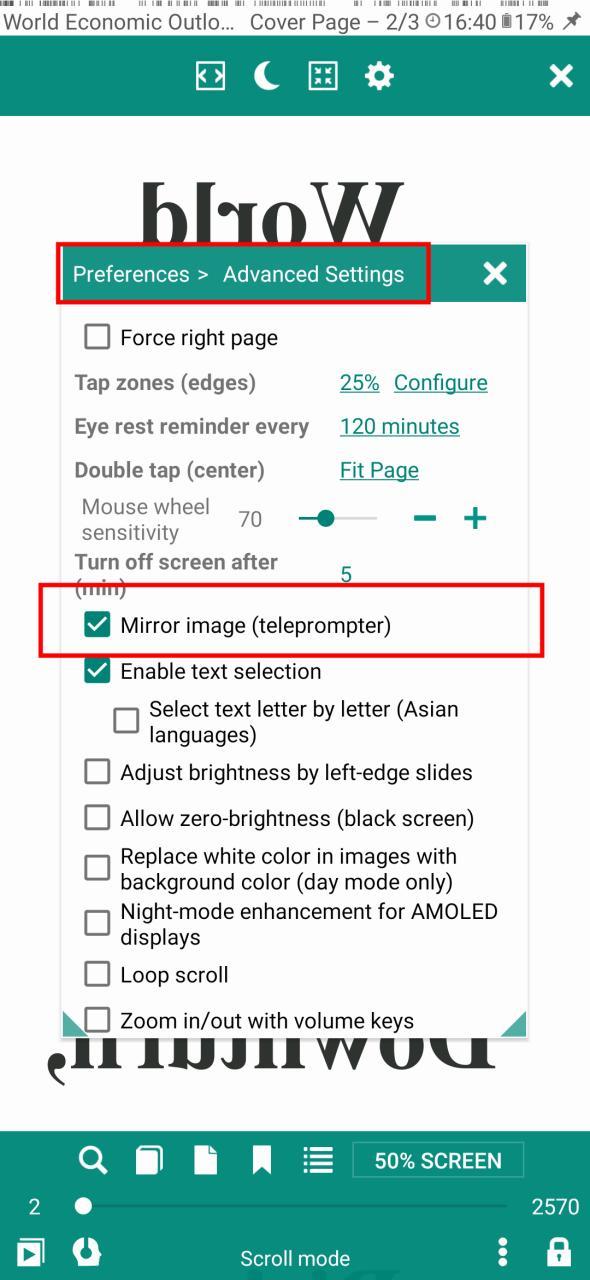
 ### [8.3.77] Mirror image for telepromter
||||
|-|-|-|
||||
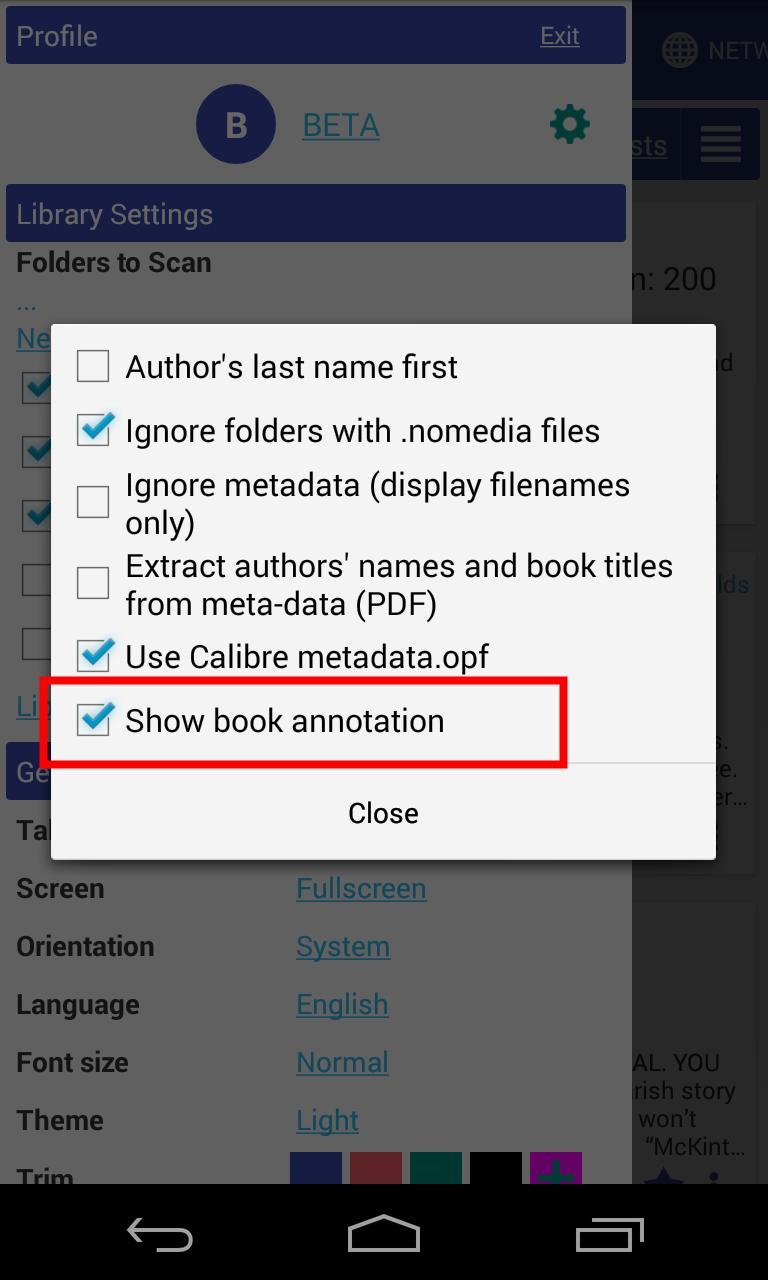
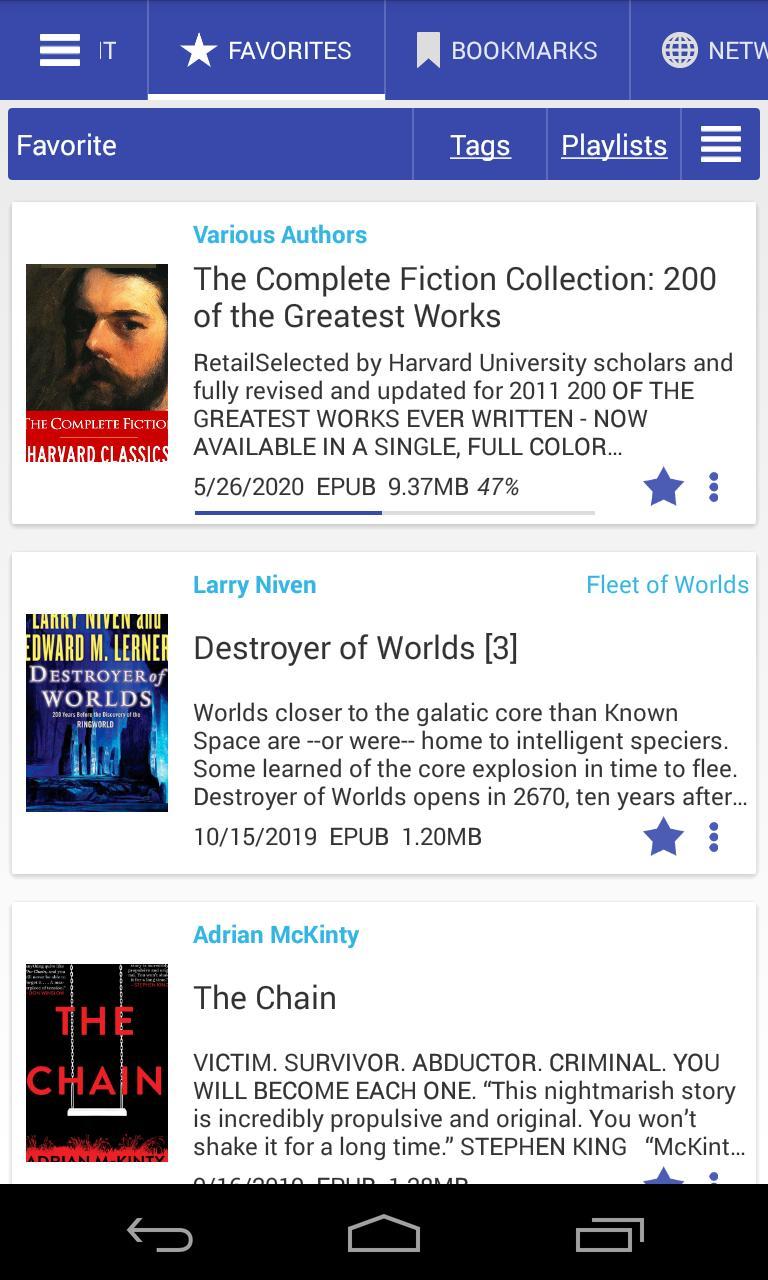
### [8.3.70] Show book description
|||
|-|-|
|||
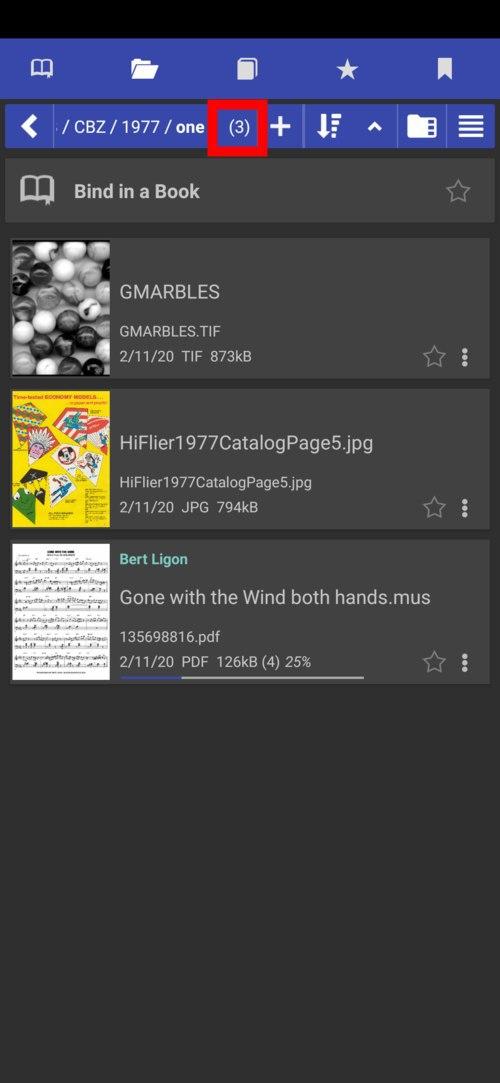
### [8.3.58] books-in-folder count
### [8.3.77] Mirror image for telepromter
||||
|-|-|-|
||||
### [8.3.70] Show book description
|||
|-|-|
|||
### [8.3.58] books-in-folder count
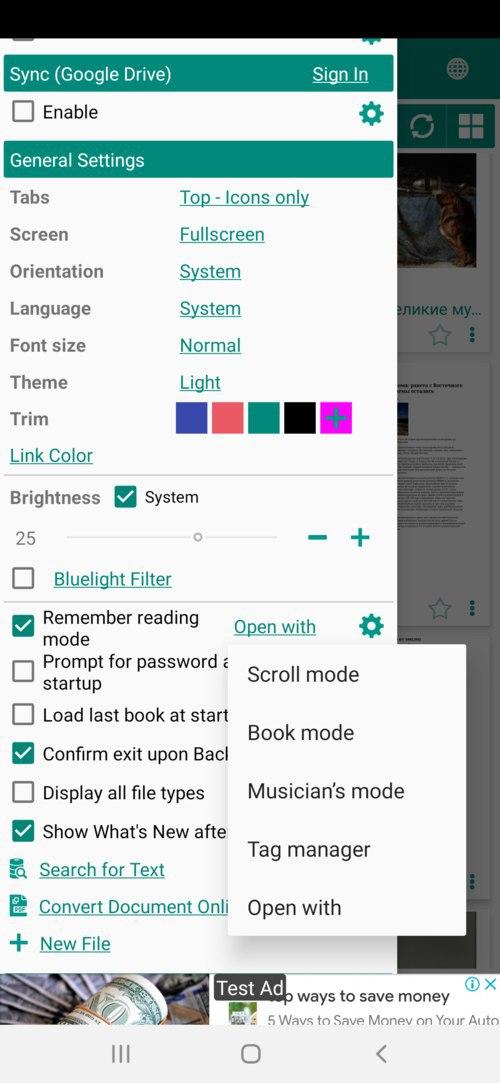
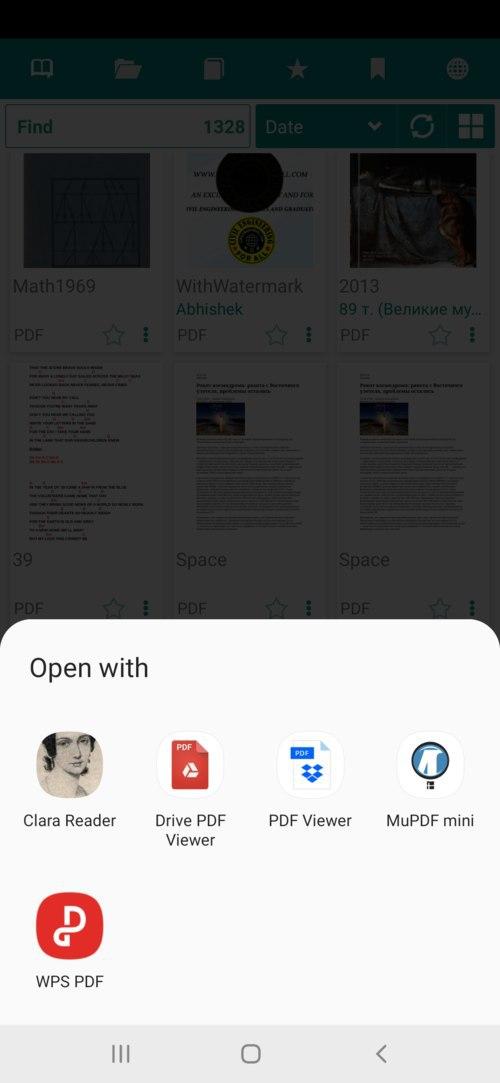
 ### [8.3.49] "Open with" default open book action
|||
|-|-|
|||
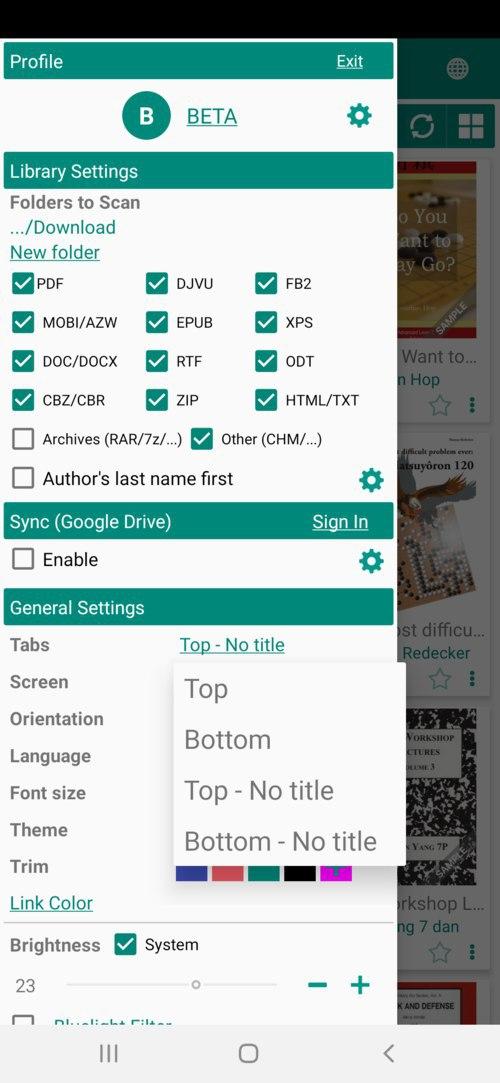
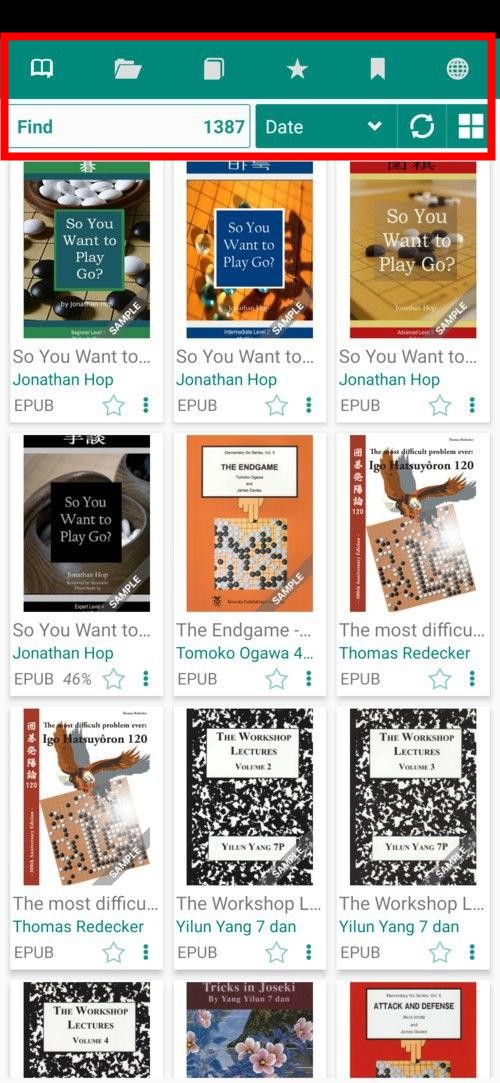
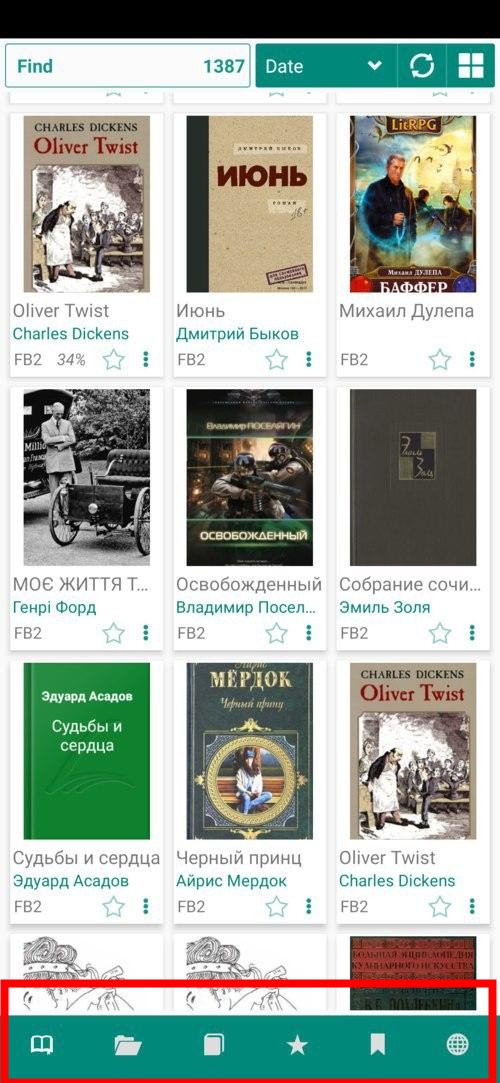
### [8.3.41] Tabs "Icons only"
||||
|-|-|-|
||||
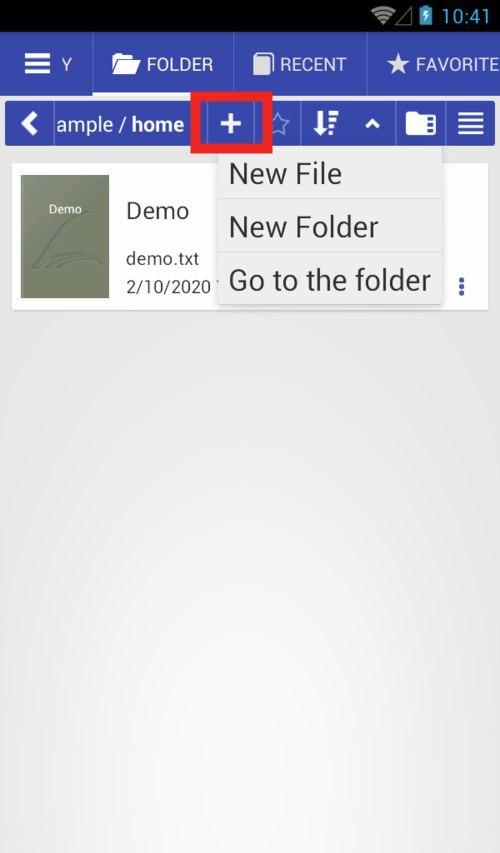
### [8.2.37] New file, New Folder, Go to the folder options
### [8.3.49] "Open with" default open book action
|||
|-|-|
|||
### [8.3.41] Tabs "Icons only"
||||
|-|-|-|
||||
### [8.2.37] New file, New Folder, Go to the folder options
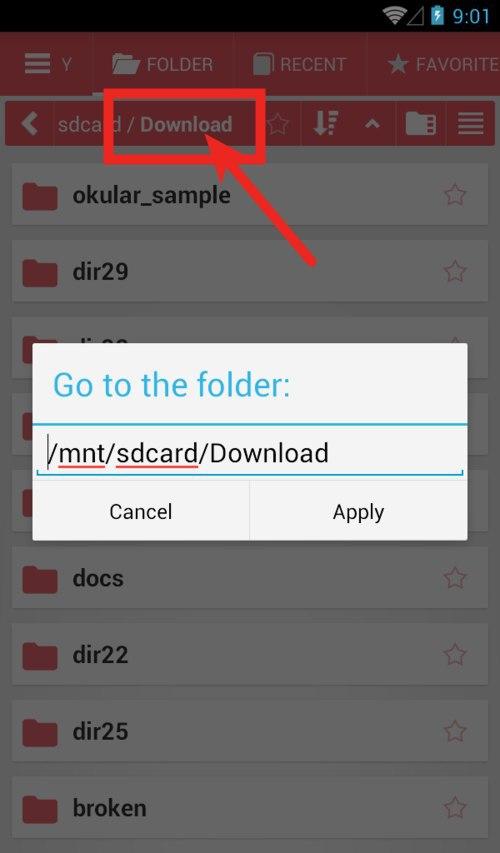
 ### [8.2.36] "Go to folder" edit path (long click)
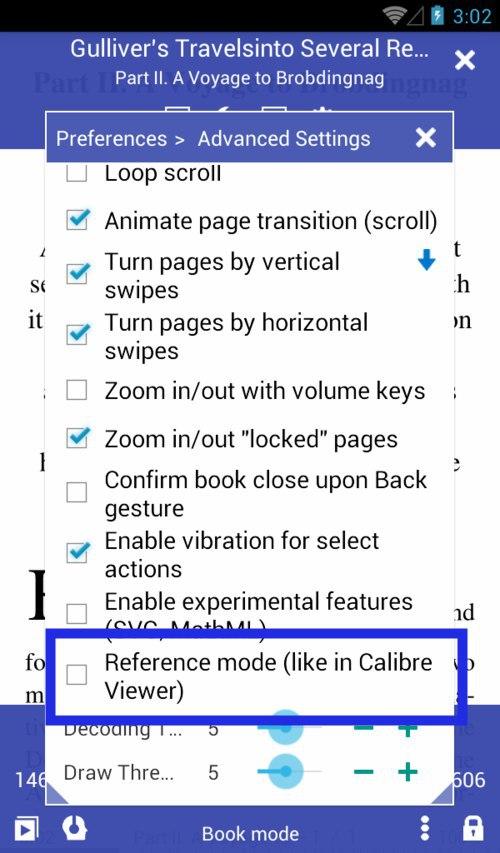
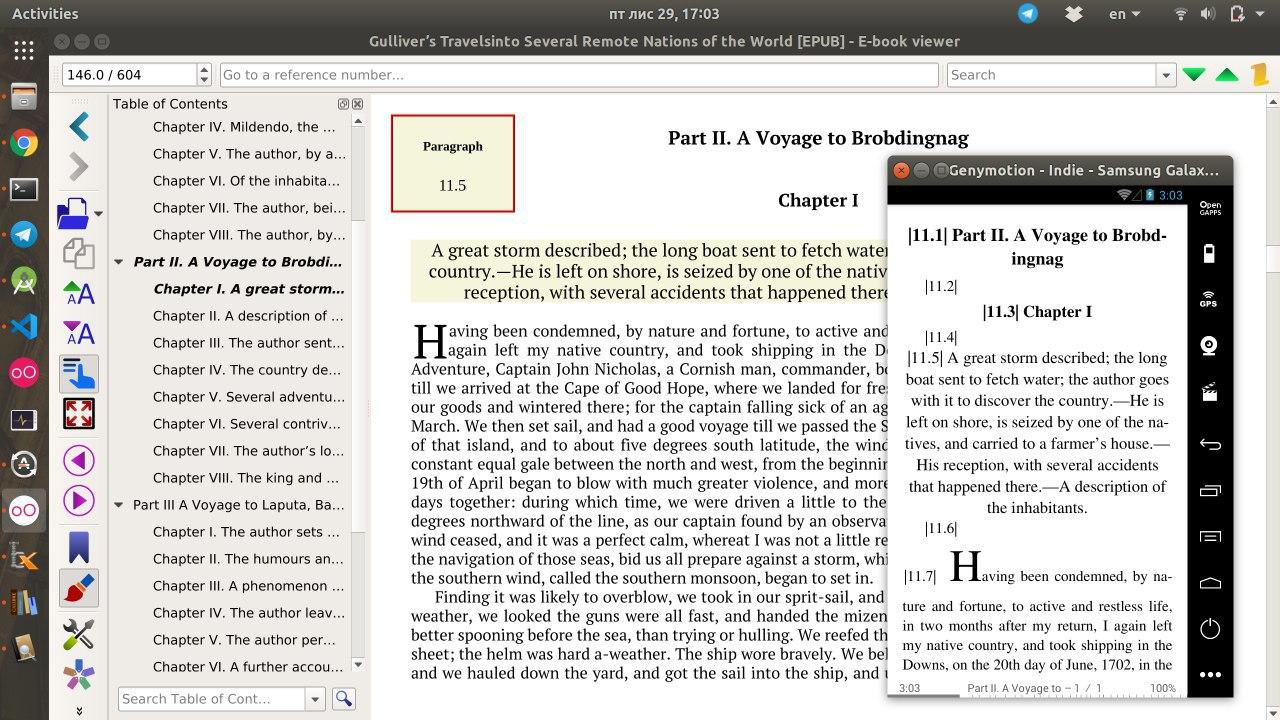
 ### [8.2.22] Reference Mode like In Calibre View
|||
|-|-|
|||
### [8.2.21] Basic support of .md Markdown files
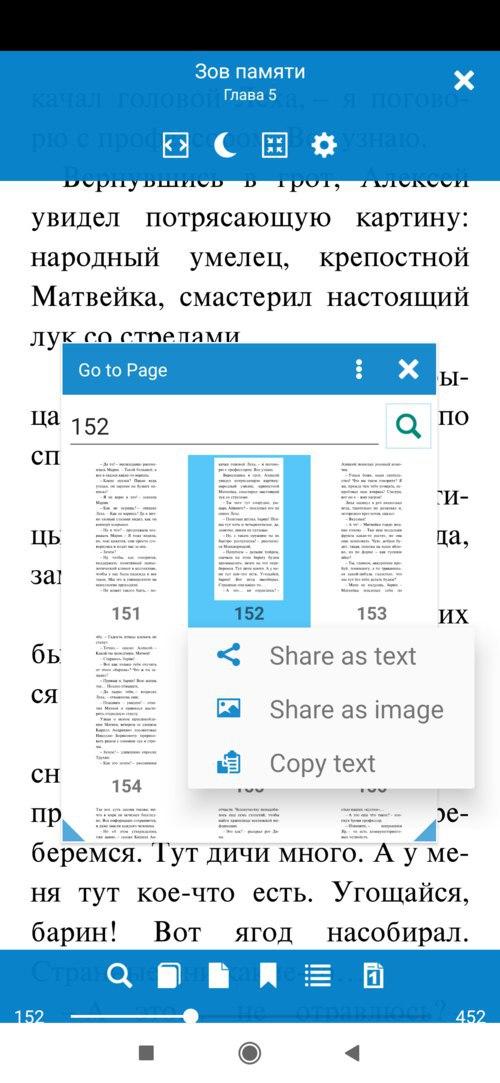
### [8.2.20] Send page as text/image from the Go to Page dialog.
### [8.2.22] Reference Mode like In Calibre View
|||
|-|-|
|||
### [8.2.21] Basic support of .md Markdown files
### [8.2.20] Send page as text/image from the Go to Page dialog.
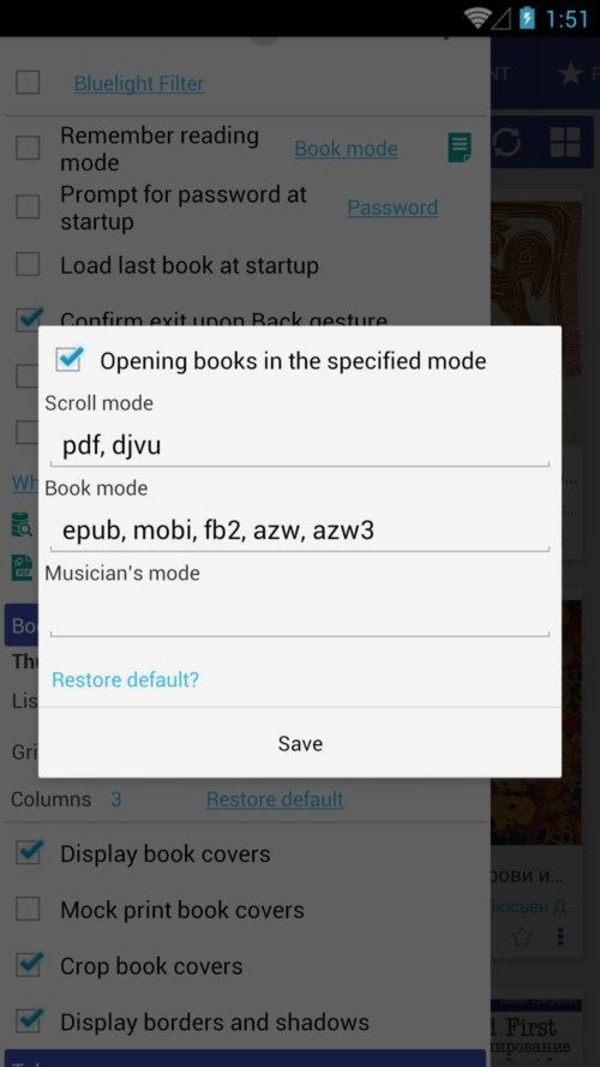
 ### [8.2.19] Specify book formats for reading modes (reading-mode presets)